
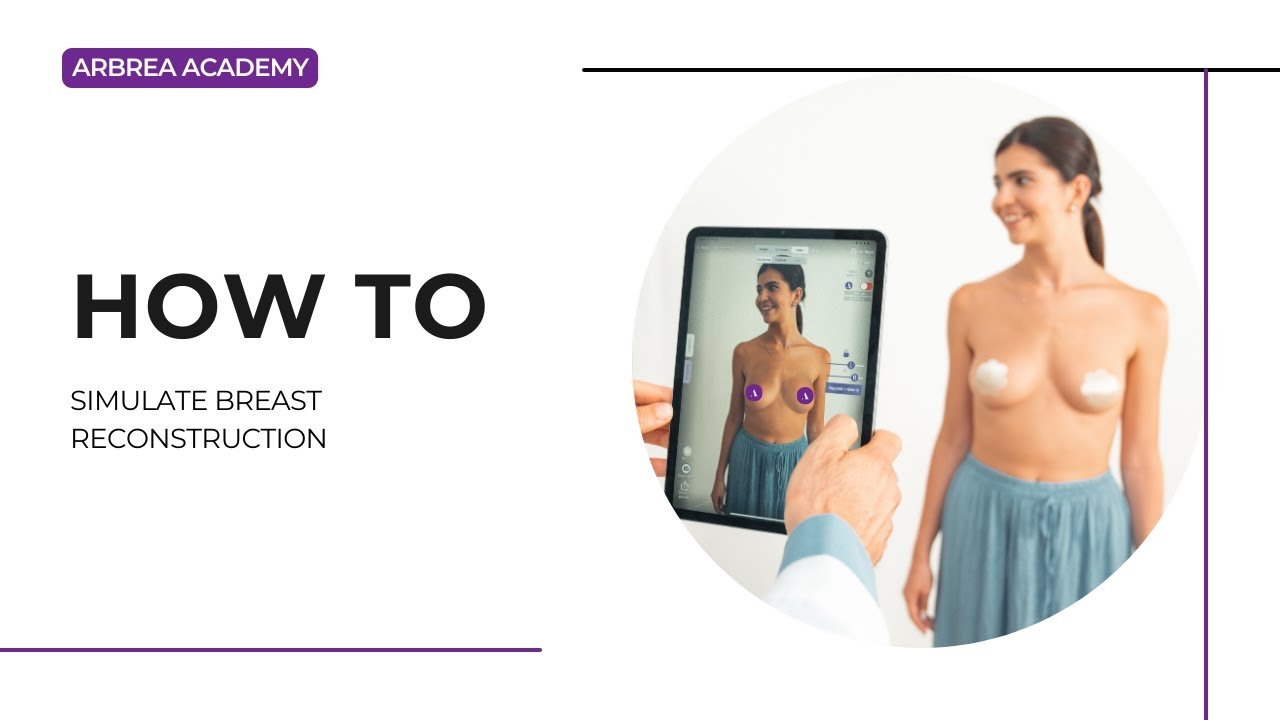
Arbrea Breast offers a comprehensive and intuitive approach to simulating breast reconstruction, allowing plastic surgeons to recreate natural, symmetrical breast shapes post-mastectomy or corrective procedures. By combining tools for measurements, volume adjustments, implants, shaping, nipple positioning, and scarring, this workflow ensures realistic visualizations and personalized surgical planning.
Using the Measurements Tool #
-
Begin by opening the Measurements Tool to analyze critical anatomical data.
-
Measurements such as base width and projection are automatically calculated to serve as a reference for the reconstruction.

Why It’s Important:
Establishes a baseline for surgical planning and implant selection.
Viewing Breast Volume #
-
Click again on the tool to display the volume of the affected and unaffected breast.
-
Use this data to achieve volume symmetry during reconstruction.

Helps guide implant sizing or fat grafting decisions.
Using the Sliders for Volume Adjustment #
-
In Reduction or Augmentation Mode, use the sliders to:
-
Add volume to reconstruct the breast mound
-
Adjust for asymmetry or previous tissue removal
-
-
You can unlock the symmetry if treating only one side.

3. Adjust the volume of the right breast so that it will fit the look of the left breast. Usually it’s about reducing the volume.
Provides control over incremental changes and personalized shaping.
Choosing an Implant from the Catalog #
-
Access the Implants Catalog to select from top global brands.
-
Filter by projection, volume, and diameter to choose a suitable implant.
-
Apply the implant to the reconstructed side, and compare with the unaffected breast.

Supports both implant-based and hybrid (implant + fat grafting) reconstructions.
Refining with the Shape Tool #
Use the Shape Tool to:
-
-
Adjust the projection and vertical positioning
-
Expand the lower pole
-
Shape the breast base for natural contouring
-

Essential for creating natural-looking results, especially in unilateral reconstructions.
Repositioning with the NAC (Nipple Areola Complex) Tool #
If the nipple needs reconstruction or repositioning:
-
-
Open the NAC Tool
-
Define the current and desired position
-
Adjust size and symmetry based on the contralateral side
-

Crucial for aesthetic harmony and surgical accuracy.
Simulating Scars with the Scars Tool #
-
Activate the Scars Tool to display different types of surgical scars:
-
Inframammary
-
Periareolar
-
Vertical or T-scar
-

2. Choose based on your surgical technique.

Helps patients understand realistic post-op appearances.
Custom Sculpting with the Free Hand Tool #
-
Use the Free Hand Tool for final refinements and asymmetry correction.
-
Sculpt areas manually for volume smoothing and contour enhancement.

Ideal for simulating fat grafting or soft tissue contouring.
Conclusion #
Simulating a breast reconstruction in Arbrea Breast provides a complete, surgeon-friendly workflow for planning and communicating post-mastectomy or corrective surgeries. With tools for volume adjustment, implant selection, shape refinement, nipple repositioning, and scar simulation, surgeons can offer realistic, personalized previews that empower and reassure patients.
For more guidance, watch the full video tutorial below.




 EN
EN  PT
PT  IT
IT  ES
ES  DE
DE