
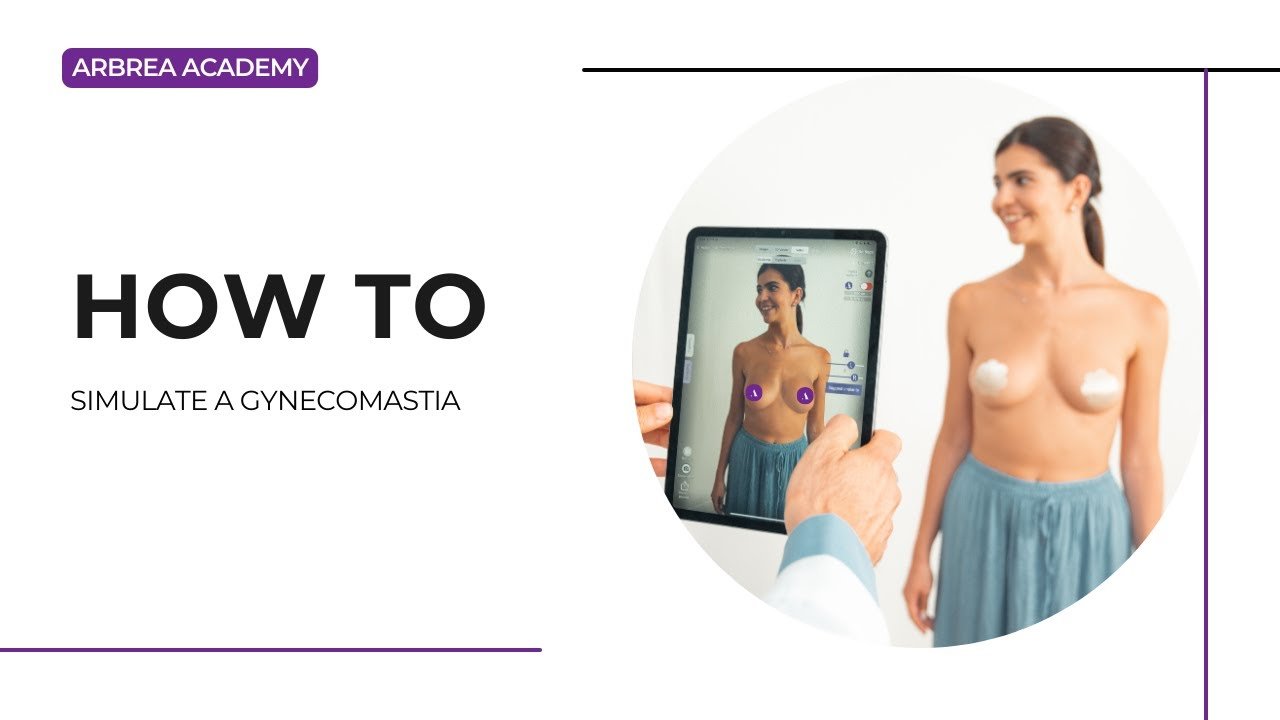
Arbrea Breast provides a precise and intuitive way to simulate gynecomastia procedures, allowing plastic surgeons to visualize male breast reduction results in real time. With tools like volume removal, freehand sculpting, and before-and-after comparison, surgeons can enhance patient communication and streamline treatment planning.
Checking the Breast Measurements #
-
Start by loading the patient’s scan or photo into Arbrea Breast.
-
Click on the Measurement Tool to display key metrics such as chest width, projection, and volume.
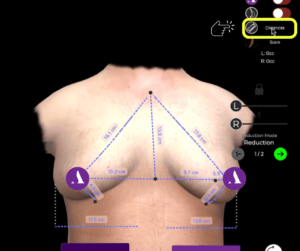
Why It’s Important:
Provides a baseline to assess the severity of gynecomastia and track surgical goals.
Removing the Breast Volume #
-
Navigate to the Reduction Mode.
-
Use the volume sliders to decrease excess breast tissue on one or both sides.
-
Unlock the symmetry if you need to reduce unevenly.
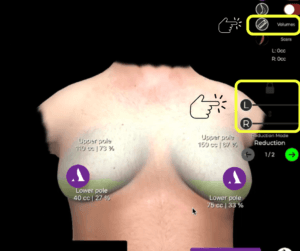
Helps simulate the initial phase of male breast reduction surgery.
Refining the Result with the Freehand Tool #
-
Open the Freehand Tool to manually sculpt and refine specific areas.
-
This tool provides greater control for adjusting shape, contour, and fine details.

Useful for simulating customized surgical outcomes.
Changing the Brush Size #
-
Within the Freehand Tool, adjust the brush size based on the area you’re working on.
-
Use a smaller brush for precise corrections, or a larger brush for general contouring.
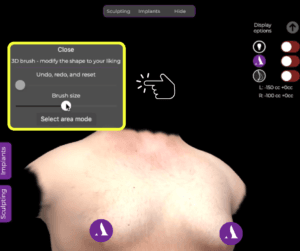
Gives flexibility for accurate shaping of the chest area.
Removing Side Volume #
-
Continue sculpting using the Freehand Tool to reduce lateral chest fullness.
-
This step ensures a natural, masculine contour by addressing the outer breast tissue.
Essential for simulating a balanced and aesthetic chest appearance.
Comparing Before and After #
-
Use the Before/After toggle or side-by-side view to display the transformation.
-
This comparison allows the patient to visually understand the procedure’s impact.
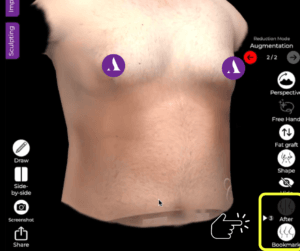
Boosts patient confidence and engagement during consultations.
Conclusion #
Simulating a gynecomastia procedure with Arbrea Breast is fast, accurate, and interactive. By combining automatic volume reduction, manual sculpting, and measurement tools, plastic surgeons can deliver realistic, patient-specific simulations that support pre-operative planning and patient education.
For more guidance, watch the full video tutorial below.




 EN
EN  PT
PT  IT
IT  ES
ES  DE
DE