
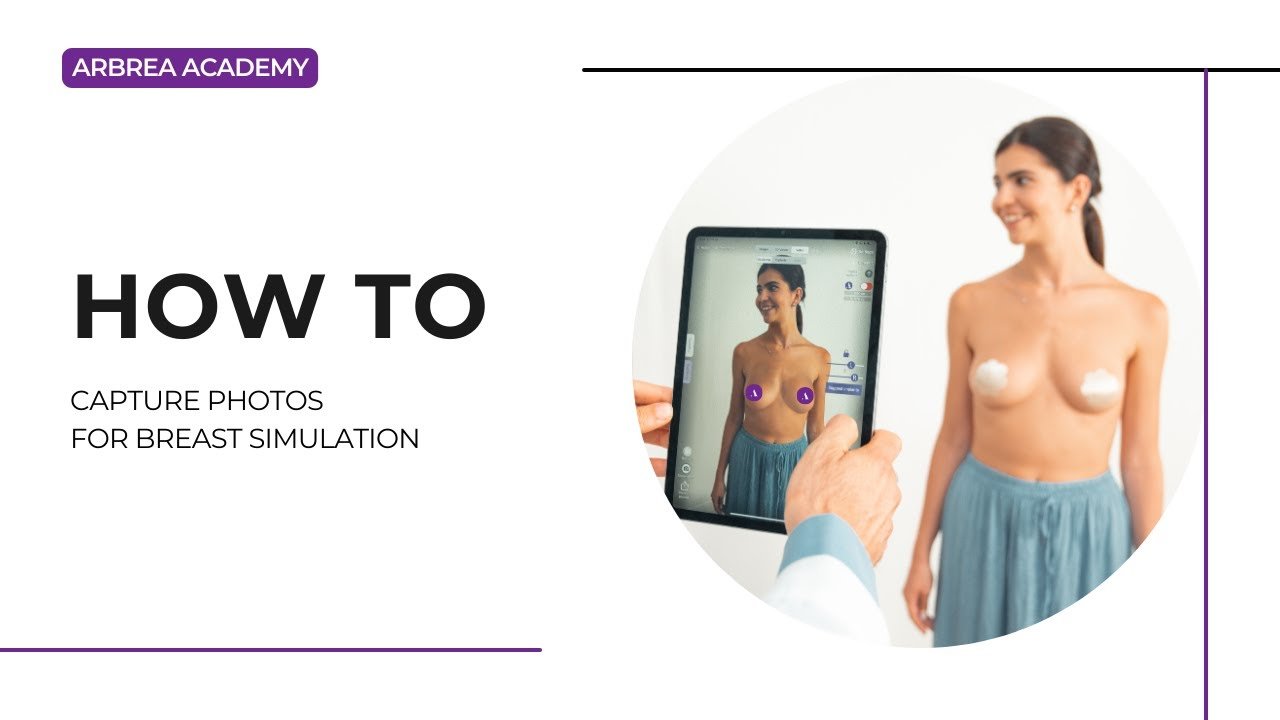
Arbrea Suite features an advanced Capture Tool, enabling plastic surgeons to create high-quality 3D model for breast simulations with precision. This tool ensures optimal patient imaging for pre-operative planning, consultations, and accurate simulations.
Accessing the Capture Feature #
- Open Arbrea Suite and navigate to the Capture Tool.
- Ensure the camera is properly positioned to capture clear patient images.
Why It’s Important?
- Provides a structured approach for capturing high-quality images.
- Ensures accurate simulation results during consultations.
Taking the Perfect Patient Image #
- Ensure proper lighting – Avoid shadows or overexposed areas.
- Position the patient at eye level for face scans or neutral posture for body imaging.
- Follow on-screen guides to take frontal, profile, and angled views.
Benefit:
- Helps create consistent, high-quality images for AI-powered simulations.
Reviewing and Adjusting the Image #
- After capturing, review the image for clarity and accuracy.
- If needed, retake the picture to eliminate any blurriness.
- Save the final image and proceed to simulation mode.
Why This Matters?
- Ensures precise visualization for patients and surgeons.
- Eliminates inconsistencies in simulation results.
Conclusion #
The Capture Tool in Arbrea Suite enhances image quality, simulation accuracy, and consultation efficiency. By following structured imaging techniques and proper positioning, surgeons can improve patient communication and pre-operative planning.
For more guidance, watch the full video tutorial below.




 EN
EN  PT
PT  IT
IT  ES
ES  DE
DE