
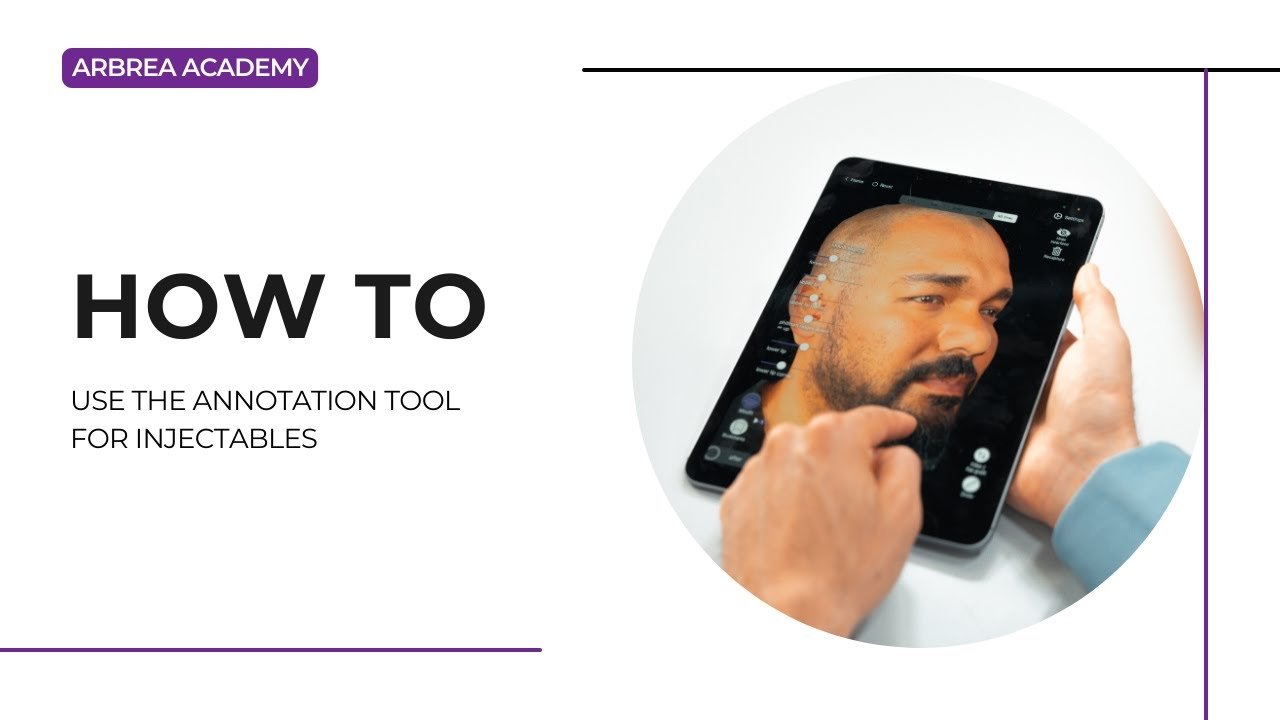
Arbrea Face provides a powerful Annotation Tool pour Botox and filler simulations, enabling plastic surgeons to plan, customize, and visualize injectable treatments with precision. This feature enhances patient consultations by offering real-time injection mapping, dosage adjustments, and before-and-after comparisons.
Simulating Botox and Fillers #
- Ouvrir Arbrea Face et sélectionnez le cas du patient.
- Accédez à Injectables Simulation Tool to begin mapping the injection plan.
- Choisissez entre Botox or dermal fillers depending on the treatment area.

Pourquoi c'est important ?
- Permet de precise simulation of injectable procedures.
- Aide les patients visualize treatment outcomes before the procedure.
Using Injection Points #
- Select the area where the injection will be applied.
- The tool will automatically place an injection dot on the targeted region.
- Multiple injection points can be added to create a comprehensive treatment plan.
Avantage:
- Customizable injection mapping for different treatment areas.
- Helps surgeons plan dosage distribution efficiently.
Customizing the Injection Color Points #
- Each injection type (Botox or Filler) has a color-coded point system.
- Customize the color of injection dots to differentiate treatment types.
- You can find it at Settings.
Pourquoi c'est important
- Fournit better organization and clarity when treating multiple areas.
- Permet de easy identification of injection sites during the consultation.
Moving Injection Points for Precision #
- If an injection point is incorrectly placed, simply drag and reposition it.
- Ensure that dots align with muscle structure or volume enhancement areas.
Avantage:
- Active precise placement adjustments for more accurate simulations.
Opening the Planning Tool for Injections #
- Cliquez sur le Planning Tool to access detailed treatment options.
- Add notes, dosage information, and injection techniques.
- Save the treatment plan for future reference.
Avantage:
- Allows surgeons to document and refine treatment strategies.
- Creates a structured visual roadmap for injectables.
Removing Unnecessary Injection Dots #
- If a placement needs adjustment, simply select and delete the injection dot.
- This ensures a cleaner, more accurate simulation.
Pourquoi c'est utile ?
- Quick corrections and refinements can be made in real-time.
Choosing Between Filler and Botox for Each Injection Dot #
- Each injection point can be assigned as either Botox or filler.
- Adjust the selection to match the treatment area and intended outcome.
Avantage:
- Allows for a detailed and tailored treatment simulation.
Selecting the Injection Filler Amount in ml #
- Cliquez sur le injection dot and input the desired filler volume in milliliters.
- Adjust dosage based on treatment goals and patient anatomy.
Pourquoi c'est important
- Aide les patients understand the required filler volume before treatment.
- Assists surgeons in precisely planning injections.
Conclusion #
Le Annotation Tool for Injectables dans Arbrea Face simplifie Botox and filler treatment planning avec customizable injection points, dosage adjustments, and real-time simulations. En utilisant color-coded markers, precise placement controls, and interactive treatment planning, surgeons can enhance consultations and achieve accurate pre-procedure planning.
Pour plus de conseils, regardez la tutoriel vidéo complet ci-dessous.





 English
  Portuguese
  Italian
  Spanish
  German
  Arabic
  French
  Korean
  Albanian
  Thai
Thai  Hindi
Hindi