
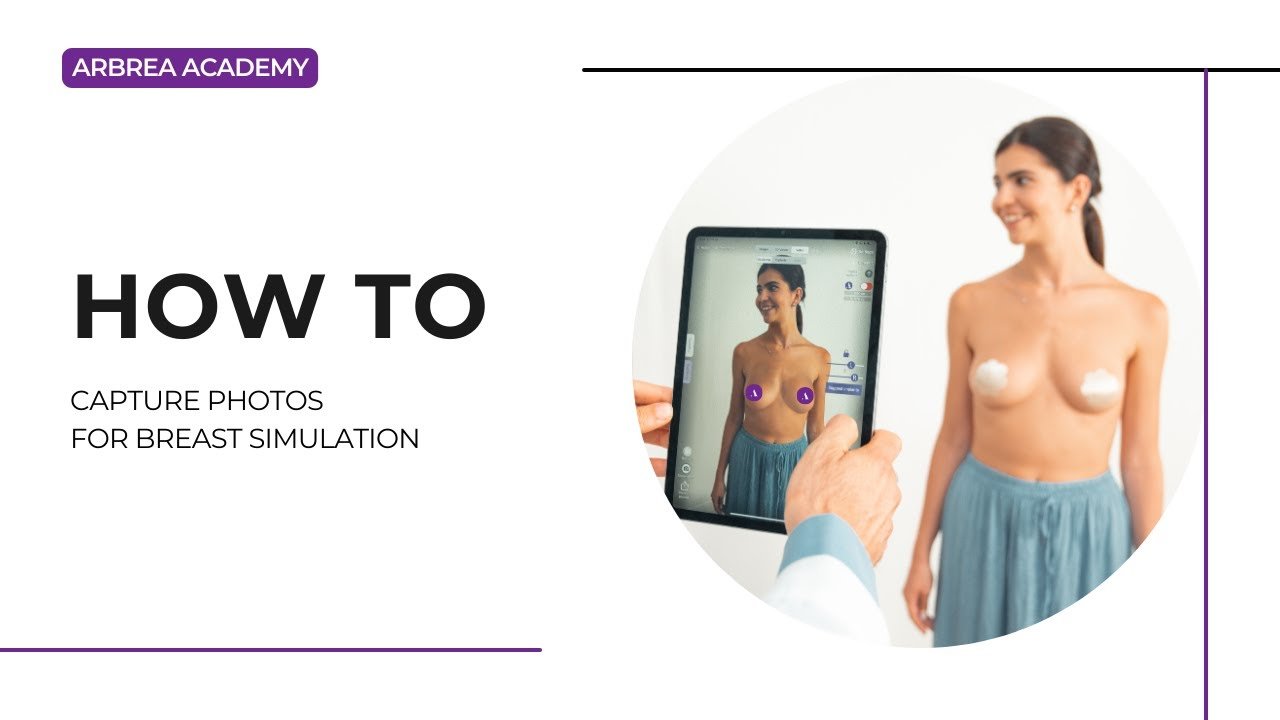
Arbrea Suite features an advanced Capture Tool, enabling plastic surgeons to create high-quality 3D model for breast simulations with precision. This tool ensures optimal patient imaging pour pre-operative planning, consultations, and accurate simulations.
Accessing the Capture Feature #
- Ouvrir Arbrea Suite et accédez à Capture Tool.
- Ensure the camera is properly positioned to capture clear patient images.
Pourquoi c'est important ?
- Fournit a structured approach for capturing high-quality images.
- Assure accurate simulation results lors des consultations.
Taking the Perfect Patient Image #
- Ensure proper lighting – Avoid shadows or overexposed areas.
- Position the patient at eye level for face scans or neutral posture for body imaging.
- Follow on-screen guides to take frontal, profile, and angled views.
Avantage:
- Helps create consistent, high-quality images for AI-powered simulations.
Reviewing and Adjusting the Image #
- After capturing, review the image for clarity and accuracy.
- If needed, retake the picture to eliminate any blurriness.
- Save the final image and proceed to simulation mode.
Pourquoi c'est important
- Assure precise visualization pour les patients et les chirurgiens.
- Eliminates inconsistencies in simulation results.
Conclusion #
Le Capture Tool dans Arbrea Suite enhances image quality, simulation accuracy, and consultation efficiency. By following structured imaging techniques and proper positioning, les chirurgiens peuvent improve communication avec le patient and pre-operative planning.
Pour plus de conseils, regardez la tutoriel vidéo complet ci-dessous.





 English
  Portuguese
  Italian
  Spanish
  German
  Arabic
  French
  Korean
  Albanian
  Thai
Thai  Hindi
Hindi