
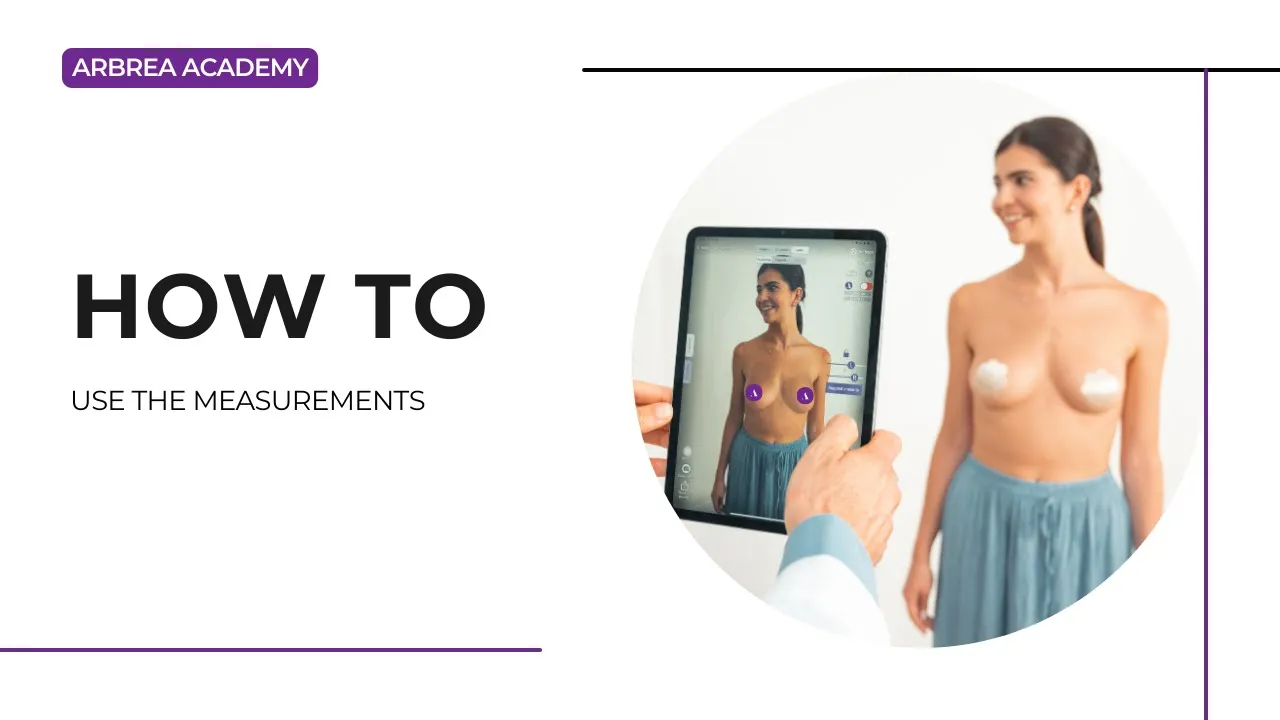
Arbrea Suite offers a specialized Outil de mesure designed to assist plastic surgeons in obtaining precise breast measurements and volume calculations. This advanced feature is key to improving pre-operative planning and enhancing patient consultations, ensuring accurate and personalized simulations for breast procedures such as augmentation, reduction, or mastopexy.
Calculating the Measurements #
- Ouvrir Arbrea Suite et accédez à Outil de mesure.
- Select the patient’s 3D model or image for analysis.
- The system will automatically generate key measurements, tel que breast base width, projection, and symmetry.
- Click on individual measurements to fine-tune and adjust based on specific surgical goals.

Pourquoi c'est important ?
- Fournit precise anatomical analysis for treatment planning.
- Helps in selecting appropriate implant sizes or surgical modifications.
Calculating the Volume #
- Cliquez sur le Volume Calculation Tool in the measurement section.
- The system will automatically estimate breast volume based on the selected area.
- Modify volume simulations to visualize augmentation, reduction, or contouring effects.
Avantage:
- Aide compare pre- and post-simulation volumes.
- Assists in determining implant sizing and fat grafting requirements.
Switching Between Inches and Centimeters #
Arbrea Suite allows you to easily switch between imperial et metric systems to fit your workflow and patient preferences. To switch units:
- Access the Simulation Dashboard.
- Click on Paramètres.
- Choose your preferred system: inches ou centimeters.
Conclusion #
Le Outil de mesure dans Arbrea Suite simplifie volume and dimension analysis, en veillant accurate surgical planning and enhanced patient consultations. En utilisant automated calculations, real-time volume adjustments, and detailed dimention tracking, surgeons can optimize pre-operative decision-making.
Pour plus de conseils, regardez la tutoriel vidéo complet ci-dessous.





 English
  Portuguese
  Italian
  Spanish
  German
  Arabic
  French
  Korean
  Albanian
  Thai
Thai  Hindi
Hindi