
Arbrea Suite C'est une plateforme intuitive et complète alimentée par l'IA qui aide les chirurgiens plasticiens. améliorer les consultations, gérer les dossiers des patients, et optimiser l'efficacité du workflow. Ce guide vous explique étape par étape comment accéder à support, tutoriels, outils de marketing et synchronisation des données pour maximiser les avantages Arbrea Suite Dans votre pratique.
Recevoir du soutien de l’équipe Arbrea #
- Ouvrir Arbrea Suite et accédez à Section de support.

2. Vous trouverez des options de contact direct pour Contactez l’équipe d’Arbrea pour toute question technique ou de compatibilité avec l’utilisation du site.
Conseils d'utilisation de Arbrea Suite #
- Vérifiez Section « Guide ou Informations » dans l'application.
- Explorer Recommandations étape par étape sur la manière d'utiliser efficacement les différents outils.
Consulter des vidéos et des démonstrations #
- Ouvrez le Section « Vidéos d’instruction » dans l'application.
2. Regarder Des guides détaillés sur comment utiliser les différentes fonctionnalités.
Obtenir un soutien marketing grâce à Arbrea #
- Aller à la Section Support marketing dans l'application.
2. Accès Des matériaux personnalisables et Ressources promotionnelles pour vous aider à communiquer avec les patients.
Accéder aux statistiques de myArbrea #
- Naviguez jusqu'à Mes statistiques sur myArbrea dans l'application.
2. Révision Mesures d’engagement des patients, historique des consultations, et plus encore.
Créer un nouveau dossier patient #
Arbrea Suite le rend possible créer un nouveau profil patient en quelques minutes et très facilement:
- Cliquez sur Créer un nouveau dossier patient.
2. Entrez le Les détails du patient et ses images (vues frontale et profil).
3. Enregistrez le dossier et commencez Simulage des procédures en temps réel.
Suivi de tous les cas de patients #
- Ouvrez le Liste des cas patients Pour consulter tous les cas enregistrés.
2. Mise à jour et suivi Progrès du dossier pour les consultations de suivi.
Synchroniser tous vos appareils et Partage des données entre les appareils #
- Cliquez sur onglet « Compte » au coin supérieur droit Arbrea Suite.
2. Assurez-vous que tous les appareils soient connectés au même identifiant Apple et au même compte iCloud.
3. Cliquez sur Synchronisation multi-appareils dans le Paramètres de l’account.
4. Activer le Synchronisation i-Cloud.
Conclusion #
Le Support et outils dans Arbrea Suite rationaliser les consultations avec Conseils d'experts, ressources pédagogiques et solutions marketing. En tirant profit gestion des cas, synchronisation des données et tutoriels pratiques, Les chirurgiens peuvent ainsi optimiser l’efficacité du workflow et améliorer Engagement des patients Pour une expérience préopératoire plus harmonieuse.
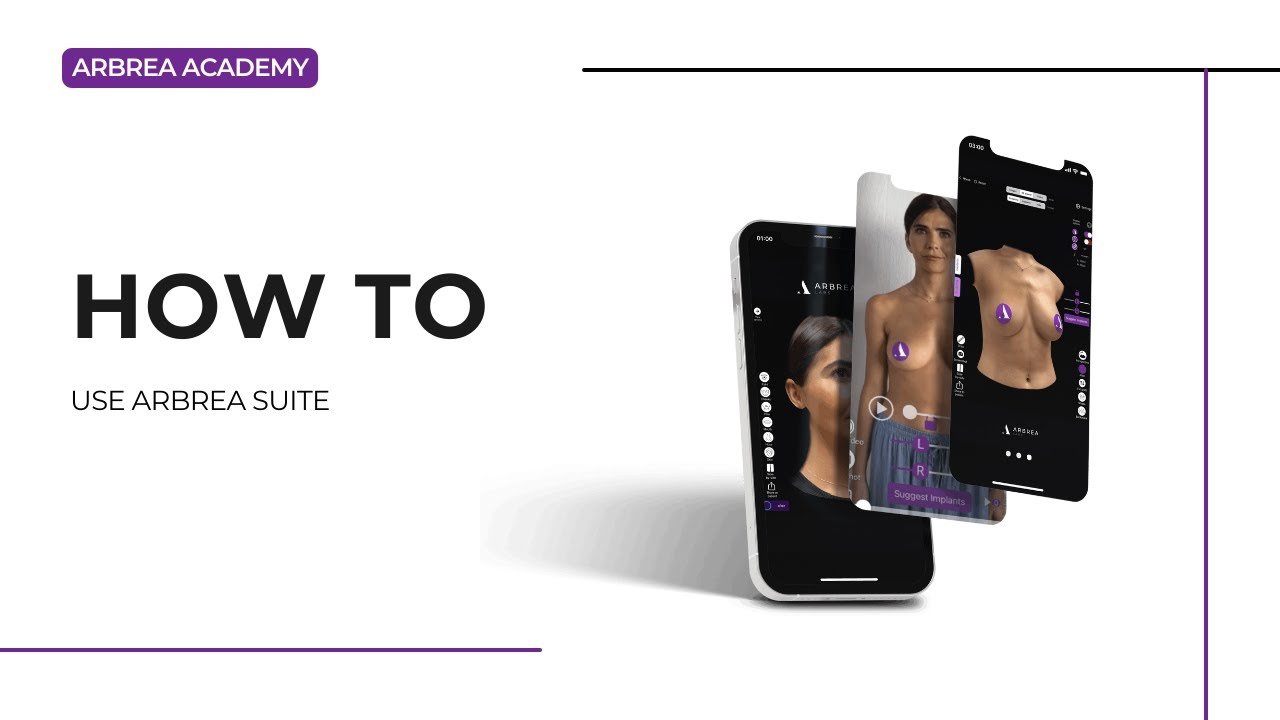
Pour plus de conseils, regardez la tutoriel vidéo complet ci-dessous.





 English
  Portuguese
  Italian
  Spanish
  German
  Arabic
  French
  Korean
  Albanian
  Thai
Thai  Hindi
Hindi  Vietnamese
  Japanese