
アーブレア スイート is an intuitive and comprehensive AI-powered platform that helps plastic surgeons enhance consultations, manage patient cases, and optimize workflow efficiency. This guide walks you through the step-by-step process of accessing support, tutorials, marketing tools, and data synchronization to maximize the benefits of アーブレア スイート in your practice.
Getting Support from the Arbrea Team #
- 開く アーブレア スイート そして、以下の場所に移動します。 Support section.
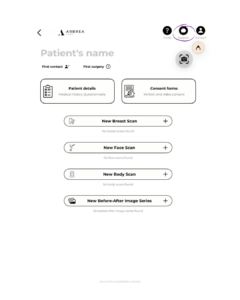
2. You’ll find direct contact options to reach out to the Arbrea team for technical or usability questions.
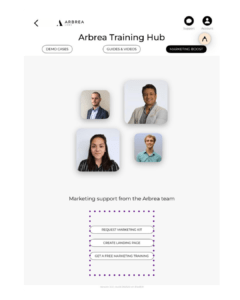
Accessing Tips for Using Arbrea Suite #
- Check the Guide or Information section in the app.
- 探索 step-by-step recommendations on how to use different tools effectively.
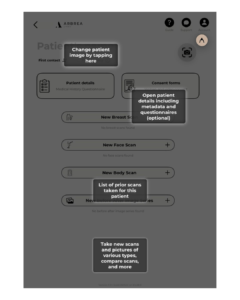
Watching Instructional Videos and Demos #
- 開いてください Instructional Videos section within the app.
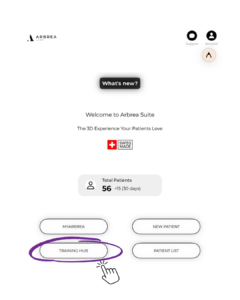
2. Watch detailed guides on how to use different features.
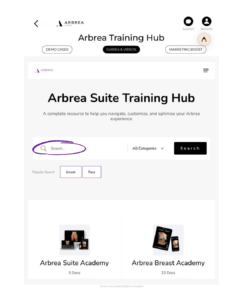
Getting Marketing Support from Arbrea #
- Go to the Marketing Support section in the app.
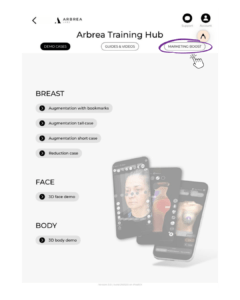
2. Access customizable materials そして promotional resources to help you engage with patients.
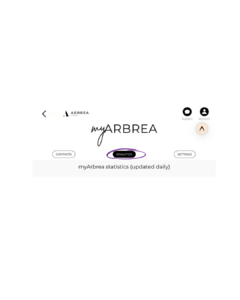
Accessing myArbrea Statistics #
- 移動先へ myArbrea Statistics in the app.
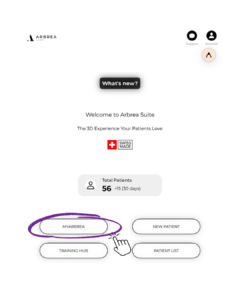
2. Review patient engagement metrics, consultation history, and more.
Creating a New Patient Case #
Arbrea Suite makes it quick and easy to create a new patient profile:
- クリックしてください Create a New Patient Case.
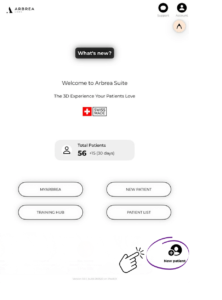
2. Enter the patient’s details and images (frontal and profile views).
3. Save the case and start simulating procedures in real-time.
Keeping Track of All Patient Cases #
- 開いてください Patient Case List to view all stored cases.
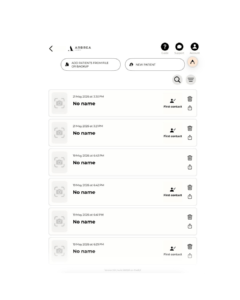
2. Update and track case progress for follow-up consultations.
Syncing All of Your Devices & Sharing Data Between Devices #
- Click the Account tab at the top right corner of アーブレア スイート.
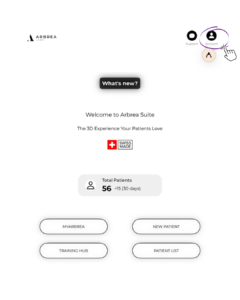
2. Ensure all devices are connected to the same Apple ID and iCloud account.
3. Click the Multi-Device Synchronization in the Account settings.
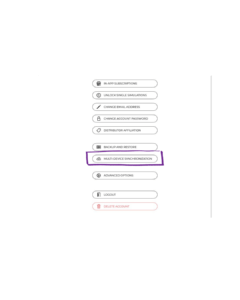
4. Activate the i-Cloud Synchronization.

結論 #
その support and tools in アーブレア スイート streamline consultations with expert guidance, instructional resources, and marketing solutions. By leveraging case management, data synchronization, and hands-on tutorials, surgeons can optimize workflow efficiency and enhance patient engagement for a more seamless pre-operative experience.
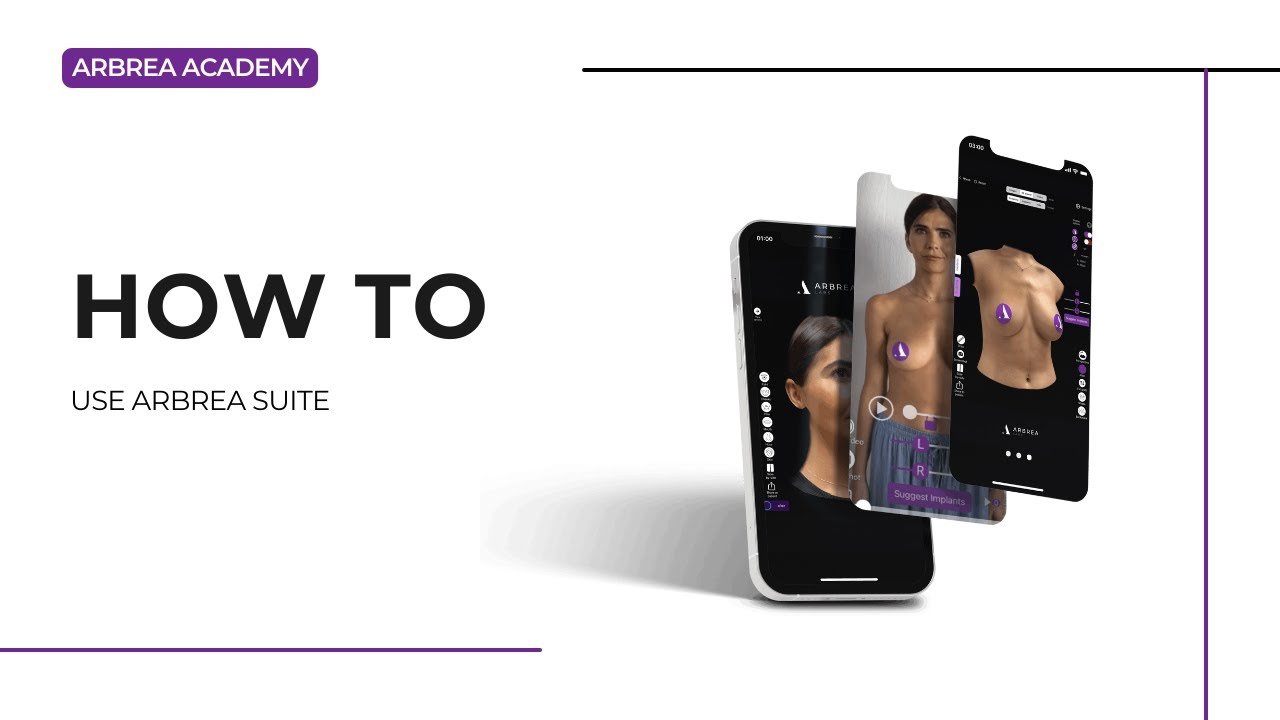
詳しいガイドについては、こちらをご覧ください。 完全な動画チュートリアル 以下.





 English
  Portuguese
  Italian
  Spanish
  German
  Arabic
  French
  Korean
  Albanian
  Thai
Thai  Hindi
Hindi  Vietnamese
  Japanese