
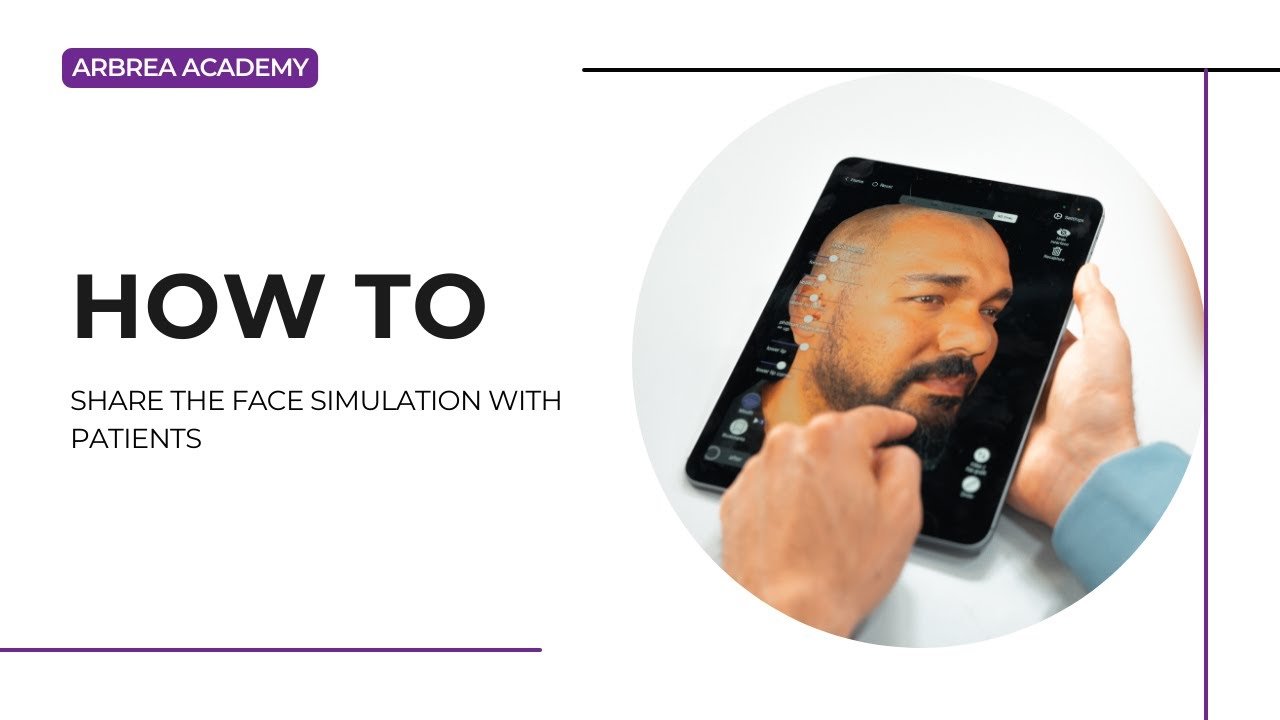
Arbrea Face enables plastic surgeons to share precise, AI-powered facial simulations with patients in a clear and engaging way. With tools for facelift simulation, skin treatment visualization, screenshots, and 3D videos, this workflow helps improve patient communication, education, and satisfaction—both in person and remotely.
Simulating a Facelift with the Freehand Tool #
-
Utilisez Freehand Tool to simulate lifting areas like the jawline, cheeks, or neck.

2. Adjust the brush size and carefully sculpt the targeted regions.
3. You can also use the Mode Zone for broader adjustments.
Why This Matters:
Livre un personalized, realistic preview of facelift results to your patient.
Applying Skin Modifications with the Skin Treatments Tool #
-
Ouvrez le Outil de soins de la peau to simulate smoothing or tightening.
2. Remove excess skin or improve texture based on the treatment being discussed.
Enhances the visual by combining volume correction and surface refinements.
Taking Screenshots of the Results #
-
Once satisfied with the simulation, click to capture high-resolution screenshots.
-
Capture multiple angles:
-
Frontal
-
Profile (left and right)
-
¾ view
-
Ideal for documenting the simulation and building trust.
Using Screenshots for Patient Education #
-
Take additional screenshots before and after applying changes.
-
Use these visuals during the consultation to explain treatment areas and improvements.
Why This Helps:
Améliore patient understanding of the procedure and expected results.
Sharing Screenshots with the Patient #
Send the captured images via:
-
-
Email
-
Airdrop (if in-person)
-
Secure messaging apps
-
Ensures the patient has reference material after the consultation.
Augmente patient confidence and helps them visualize résultats naturels from all angles.
Sharing the Simulation via myArbrea(Optional) #
-
If you’re a myArbrea user, you can send the full simulation directly to the patient via myArbrea.
-
Patients can review their results anytime on their phone or device.
Idéal pour téléconsultations or follow-up interactions.
Conclusion #
Arbrea Face makes it easy to share facial simulations with patients using screenshots, educational visuals, and immersive 3D videos. When paired with myArbrea, it becomes a powerful platform for remote engagement et interactive patient communication, ultimately enhancing the consultation experience.
Pour plus de conseils, regardez la tutoriel vidéo complet ci-dessous.





 English
  Portuguese
  Italian
  Spanish
  German
  Arabic
  French
  Korean
  Albanian
  Thai
Thai  Hindi
Hindi  Vietnamese
  Japanese