
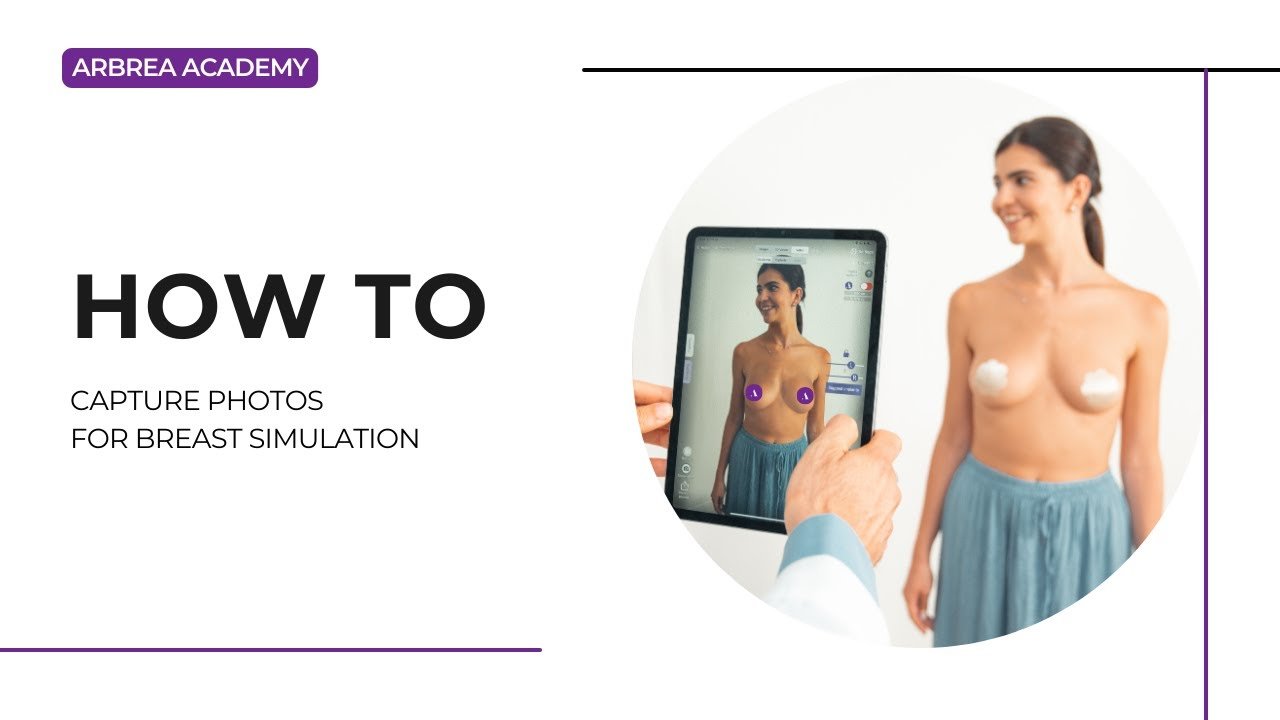
Arbrea Suite features an advanced Capture Tool, duke u mundësuar kirurgëve plastikë që create high-quality 3D model for breast simulations with precision. This tool ensures optimal patient imaging për pre-operative planning, consultations, and accurate simulations.
Accessing the Capture Feature #
- Hap Arbrea Suite dhe navigo te Capture Tool.
- Ensure the camera is properly positioned to capture clear patient images.
Pse është e rëndësishme?
- Ofron a structured approach for capturing high-quality images.
- Siguron accurate simulation results gjatë konsultimeve.
Taking the Perfect Patient Image #
- Ensure proper lighting – Avoid shadows or overexposed areas.
- Position the patient at eye level for face scans or neutral posture for body imaging.
- Follow on-screen guides to take frontal, profile, and angled views.
Përfitim:
- Helps create consistent, high-quality images for AI-powered simulations.
Reviewing and Adjusting the Image #
- After capturing, review the image for clarity and accuracy.
- If needed, retake the picture to eliminate any blurriness.
- Save the final image and proceed to simulation mode.
Pse kjo ka rëndësi?
- Siguron precise visualization for patients and surgeons.
- Eliminates inconsistencies in simulation results.
Përfundim #
The Capture Tool në Arbrea Suite enhances image quality, simulation accuracy, and consultation efficiency. By following structured imaging techniques and proper positioning, kirurgët munden improve patient communication and pre-operative planning.
Për më shumë udhëzime, shikoni tutorial i plotë në video poshtë.





 English
  Portuguese
  Italian
  Spanish
  German
  Arabic
  French
  Korean
  Albanian
  Thai
Thai  Hindi
Hindi