
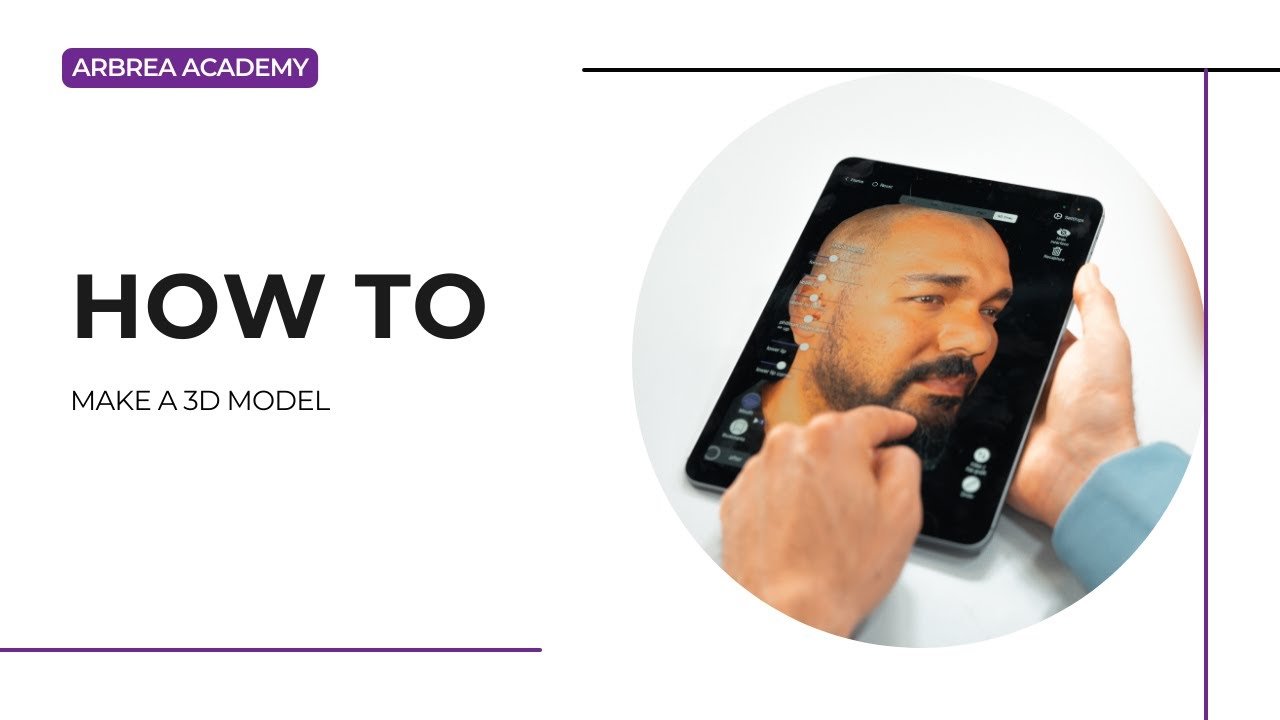
아브레아 페이스 allows plastic surgeons to create high-quality 3D models of patients quickly and efficiently using an 아이패드. This feature enhances consultations, surgical planning, and patient engagement by providing an interactive and accurate visualization of facial structures.
Positioning the Patient’s Head for Scanning #
- Ask the patient to sit in a neutral, upright position.
- Ensure the head is centered and aligned proportionally with the iPad’s screen.
- Maintain a steady hand or use a stabilizer for precise scanning.
이것이 중요한 이유
- 보장합니다 accurate proportions for a well-balanced 3D model.
- Helps avoid distortions in the final simulation.
Scanning With the iPad #
- 열다 아브레아 페이스 and select the 3D Scan Mode.
- Slowly move the iPad around the patient’s face to capture all angles.
- Follow on-screen prompts to ensure even scanning.
- Make sure to scan frontal, profile, and oblique angles for the best results.
Benefit:
- 제공합니다 a realistic and detailed facial model.
- Captures depth and structure accurately, improving simulation precision.
Reviewing the Final 3D Scan #
- Once the scan is complete, the system will generate a 3D model of the patient’s face.
- Rotate and zoom in to examine details and refine any adjustments.
- Ensure proportions and symmetry are accurate before proceeding with simulations.
Why This Feature is Essential?
- Allows surgeons and patients to visualize potential outcomes in 3D.
- 제공합니다 comprehensive base for pre-operative planning and consultations.
결론 #
그 3D modeling feature ~에서 아브레아 페이스 simplifies patient visualization and surgical planning ~와 함께 precise facial scanning, interactive model adjustments, and high-quality rendering. 활용하여 iPad-powered scanning and real-time 3D visualization, 외과의사들은 향상시킬 수 있다 consultations and achieve accurate pre-operative planning.
자세한 안내를 보려면 다음을 시청하세요 전체 동영상 튜토리얼 아래.





 English
  Portuguese
  Italian
  Spanish
  German
  Arabic
  French
  Korean
  Albanian
  Thai
Thai  Hindi
Hindi