
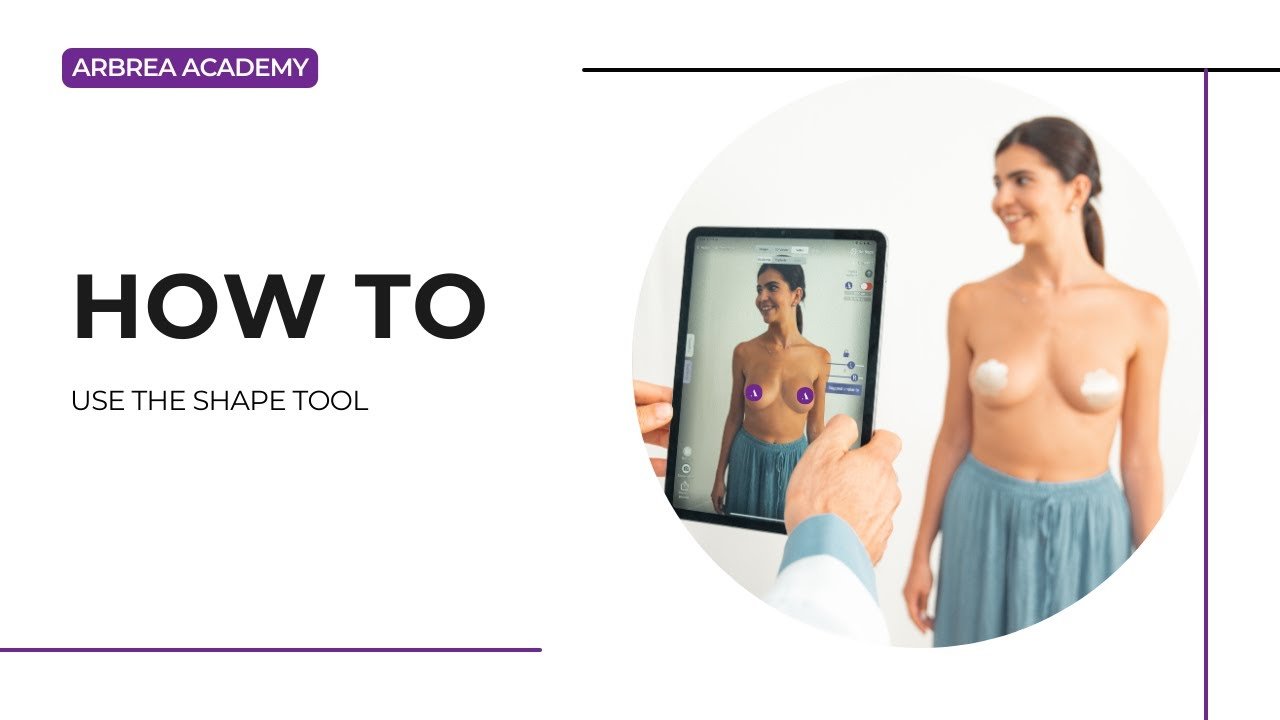
그 도형 도구 ~에서 아르브레 스위트 is an intuitive and powerful feature that enables plastic surgeons to fine-tune breast augmentation simulations with precision. This guide walks you through the step-by-step process of using the 도형 도구 to adjust key aspects of breast shape, ensuring a more realistic and personalized pre-operative consultation.
카탈로그에서 임플란트 선택하기 #
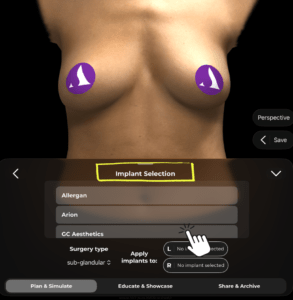
- 아르브레아 스위트 열기 and select your patient’s image or 3D scan.
- 이동하기 implants’ catalog to explore available options.
- Choose an implant based on volume, shape, and brand.
- In this example, we selected a Polytech Diagon Gel implant of 325CC.
- Once an implant is chosen, Arbrea Suite automatically generates a simulation based on the selected implant.
Using the Shape Tool for Custom Adjustments #
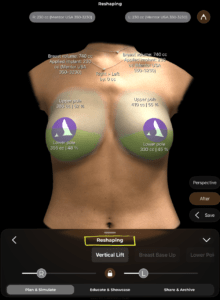
- Locate the Shape Tool
- ~을(를) 클릭하세요 Shape Tool button in the interface.
2. Understand the Adjustment Options
-
- The Shape Tool provides several sliders to modify specific aspects of the simulation, including:
- Vertical Lift – Adjusts the height of the breasts.
- Breast Base Up – Lifts the base of the breast for better support.
- Lower Pole Reduction – Reduces the volume in the lower part of the breast.
- The Shape Tool provides several sliders to modify specific aspects of the simulation, including:
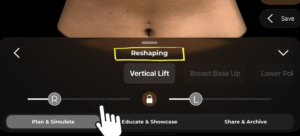
3. Adjust the Sliders
-
- Move the sliders left or right to increase or decrease the effect.
- Customize the simulation according to the desired surgical outcome and patient preference.
Saving the Simulation #
- ~을(를) 클릭하세요 Bookmark button to save the simulation.
- This allows you to compare different modifications and ensure the patient understands their options.
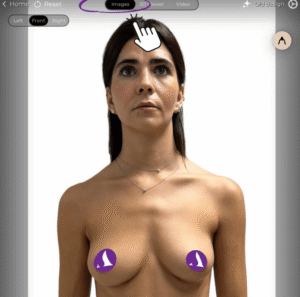
Viewing in 3D and Image Mode #
- 3D 뷰어 – Provides an accurate, interactive 3D representation of the simulated results.
- Image Mode – Allows surgeons and patients to examine static images of the adjusted simulation.
- Augmented Reality (AR) Mode – Offers an immersive experience where patients can see the possible results in real-time using AR technology.
결론 #
그 도형 도구 ~에서 아르브레 스위트 enhances breast augmentation simulations with advanced customization options. By adjusting lift, projection, and breast positioning, surgeons can create highly personalized simulations that improve patient communication and confidence while streamlining pre-operative planning.
자세한 안내를 보려면 다음을 시청하세요 전체 동영상 튜토리얼 아래.





 English
  Portuguese
  Italian
  Spanish
  German
  Arabic
  French
  Korean
  Albanian
  Thai
Thai  Hindi
Hindi