
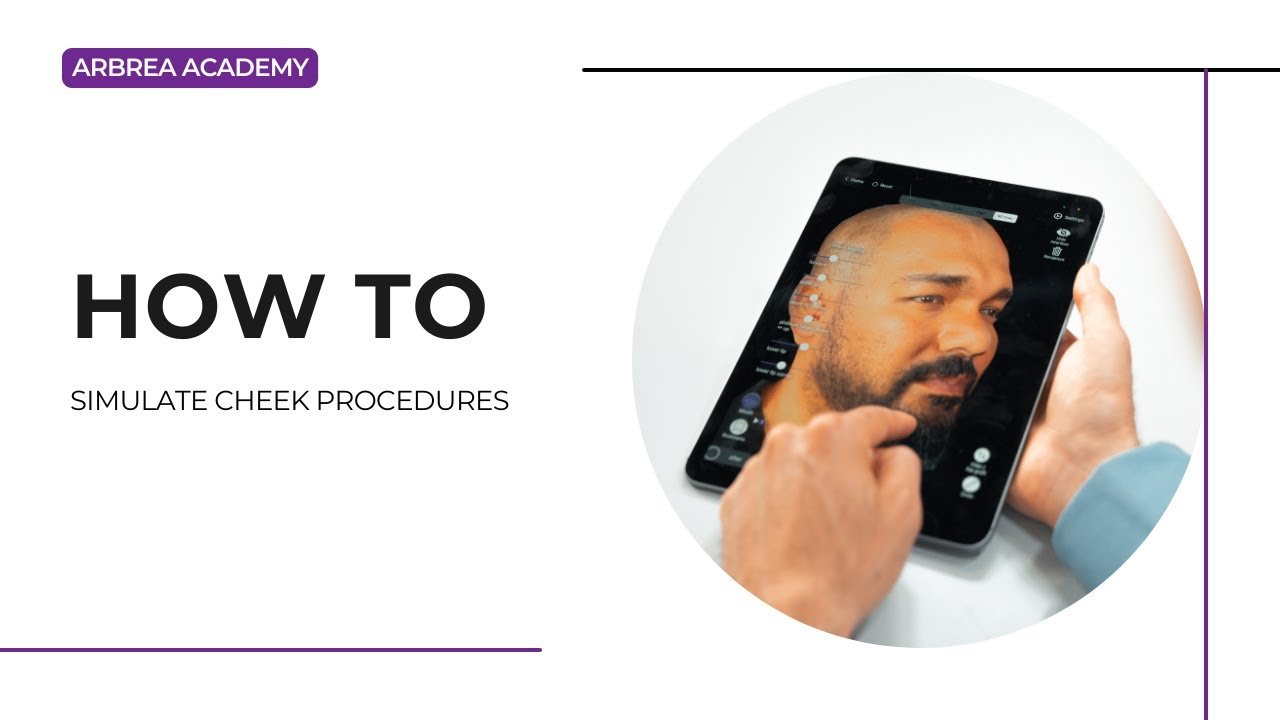
아브레아 페이스 enables plastic surgeons to simulate cheek enhancement and contouring procedures with precision and ease. Whether using the Cheek Tool for volume adjustments, the Freehand Tool for sculpting, or the Skin Treatments Tool for wrinkle reduction, Arbrea helps create realistic, real-time simulations to improve patient understanding and confidence.
볼 툴 사용하기 #
-
선택하세요 볼 도구 from the simulation menu.
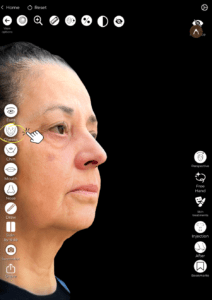
2. Apply volume to the mid-face area to simulate procedures like:
-
-
Cheek fillers
-
Fat grafting
-
Malar implants
-
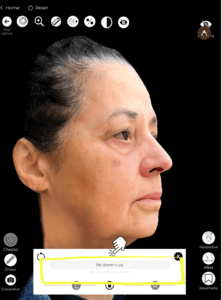
3. Adjust the intensity using the slider to match the desired effect.
Why It’s Important:
It allows for quick and controlled volume enhancement in one of the most defining areas of the face.
Refining with the Free Hand Tool #
-
활성화 Free Hand Tool to sculpt or reduce areas of the cheek with more precision.

2. 선택하세요 브러시 모드 for smooth adjustments or 지역 모드 for targeted edits.
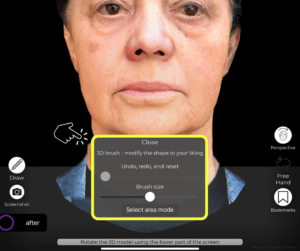
3. Ideal for fine-tuning contours, symmetry, and natural curves.
Great for customizing results and aligning with the patient’s facial anatomy.
Comparing Before and After Results #
-
사용하다 Before/After toggle to instantly view the transformation.
-
This can be done in full-face view 또는 focused area comparison.

Enhances patient communication and decision-making 상담 중에.
Smoothing with the Skin Treatments Tool #
-
선택하세요 피부 관리 도구 to reduce fine lines and wrinkles in the cheek area.

2. This can simulate complementary treatments like:
-
-
레이저 박피술
-
화학적 박피술
-
Microneedling
-
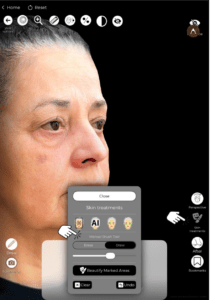
Offers a holistic visualization of both structural and surface improvements.
결론 #
아브레아 페이스 simplifies cheek procedure simulations with tools that allow for volume enhancement, contour refinement, and wrinkle reduction. By combining the Cheek Tool, Freehand Sculpting, and Skin Treatments, surgeons can create realistic and engaging simulations that boost consultation quality and patient confidence.
자세한 안내를 보려면 다음을 시청하세요 전체 동영상 튜토리얼 아래.





 English
  Portuguese
  Italian
  Spanish
  German
  Arabic
  French
  Korean
  Albanian
  Thai
Thai  Hindi
Hindi