
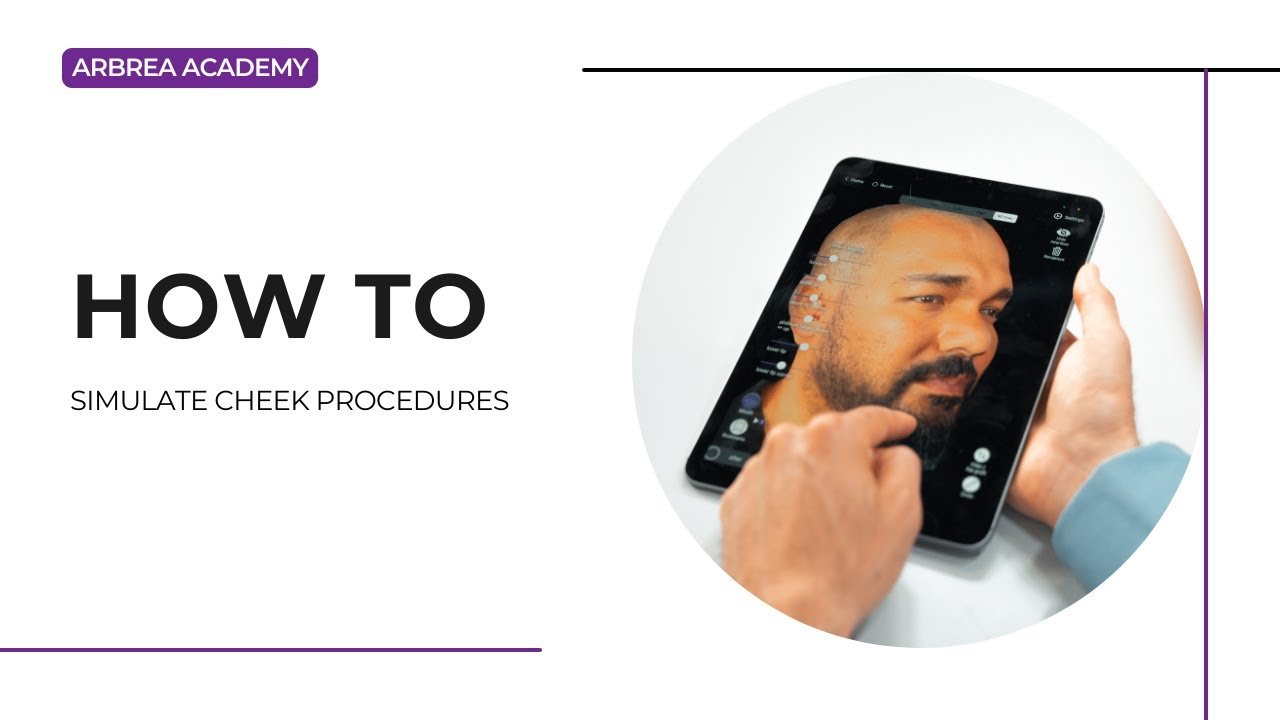
أربوريا فيس enables plastic surgeons to simulate cheek enhancement and contouring procedures with precision and ease. Whether using the Cheek Tool for volume adjustments, the Freehand Tool for sculpting, or the Skin Treatments Tool for wrinkle reduction, Arbrea helps create realistic, real-time simulations to improve patient understanding and confidence.
Using the Cheek Tool #
-
حدد Cheek Tool من قائمة المحاكاة.

2. Apply volume to the mid-face area to simulate procedures like:
-
-
Cheek fillers
-
حقن الدهون
-
Malar implants
-
3. Adjust the intensity using the slider to match the desired effect.
لماذا يعتبر ذلك مهمًا:
It allows for quick and controlled volume enhancement in one of the most defining areas of the face.
Refining with the Free Hand Tool #
-
تفعيل أداة الرسم الحر to sculpt or reduce areas of the cheek with more precision.
2. Choose between Brush Mode for smooth adjustments or وضع المنطقة for targeted edits.
3. Ideal for fine-tuning contours, symmetry, and natural curves.
رائع لـ customizing results and aligning with the patient’s facial anatomy.
Comparing Before and After Results #
-
استخدم Before/After toggle to instantly view the transformation.
-
This can be done in full-face view أو focused area comparison.
يعزز patient communication and decision-making أثناء المشاورات.
Smoothing with the Skin Treatments Tool #
-
حدد أداة علاجات البشرة to reduce fine lines and wrinkles in the cheek area.
2. This can simulate complementary treatments like:
-
-
إعادة تسطير الجلد بالليزر
-
التقشير الكيميائي
-
Microneedling
-
يقدم holistic visualization of both structural and surface improvements.
الخلاصة #
أربوريا فيس يبسط cheek procedure simulations with tools that allow for volume enhancement, contour refinement, and wrinkle reduction. By combining the Cheek Tool, Freehand Sculpting, and Skin Treatments, surgeons can create realistic and engaging simulations that boost consultation quality and ثقة المريض.
لمزيد من التوجيه، شاهد فيديو تعليمي كامل أدناه.





 English
  Portuguese
  Italian
  Spanish
  German
  Arabic
  French
  Korean
  Albanian
  Thai
Thai  Hindi
Hindi