
Seamlessly sharing patient cases between multiple devices is essential for clinics using أبريا سويت, that’s why you need to know how to activate private cloud options. With the Private Cloud option, ، يمكنك automate patient case synchronization across different Apple devices, ensuring smooth collaboration between surgeons and staff.
يأخذك هذا الدليل خطوة بخطوة عبر عملية sharing and syncing patient cases في أبريا سويت. ستتعلم كيفية manually share cases, enable automatic iCloud synchronization, and manage multiple patient cases across devices for a seamless workflow.
Manually Sharing a Patient Case #
By default, patient data in أبريا سويت is stored locally on the iPad. If you need to share a patient case with another device manually:
- افتح مجموعة Arbrea and go to the Patient List.

2. Select the patient case you want to share.
3. Use the “Share” option to send the case to another device.
Downside: This method requires manual sharing each time, making it inconvenient for clinics with multiple devices.
To streamline patient case synchronization, we recommend activating automatic iCloud synchronization.
Enabling Automatic iCloud Synchronization #
If your clinic has multiple devices (e.g., iPads used by different surgeons or assistants), automatic iCloud syncing ensures that all patient cases are instantly accessible across devices.
How to Activate iCloud Patient Synchronization #
- Ensure All Devices Are Connected to the Internet
- iCloud syncing requires an active internet connection.
- افتح مجموعة Arbrea and Go to** Advanced Options**
- انتقلت إلى settings menu in Arbrea Suite.
- Locate Advanced Options.
3. Activate iCloud Patient Synchronization
-
- Toggle the option ON.
4. Use the Same Apple ID on All Devices
-
- For synchronization to work, all devices must be logged into the same Apple ID.
5. Verify iCloud Storage Subscription
-
- If your clinic handles a large number of patient cases, consider upgrading to a paid iCloud plan for more storage.
- If you have a limited number of cases, a free iCloud account should suffice.
ميزة: With automatic iCloud syncing, patient cases are instantly updated across all connected devices, eliminating the need for manual sharing.
Managing Multiple Patient Cases Efficiently #
For clinics managing a high volume of patient cases:
- Ensure all devices have iCloud Sync activated في Advanced Options.
- Use a centralized Apple ID for seamless sharing.
- Regularly check iCloud storage capacity to avoid data limitations.
- Sync new patient data before consultations to ensure all team members have access to the latest updates.
الخلاصة #
ال how to activate Private Cloud options في أبريا سويت يبسط patient case management مع automatic iCloud syncing, secure data storage, and multi-device accessibility. من خلال الاستفادة seamless sharing, real-time updates, and efficient workflow integration, surgeons can enhance consultations and achieve streamlined التخطيط قبل الجراحة.
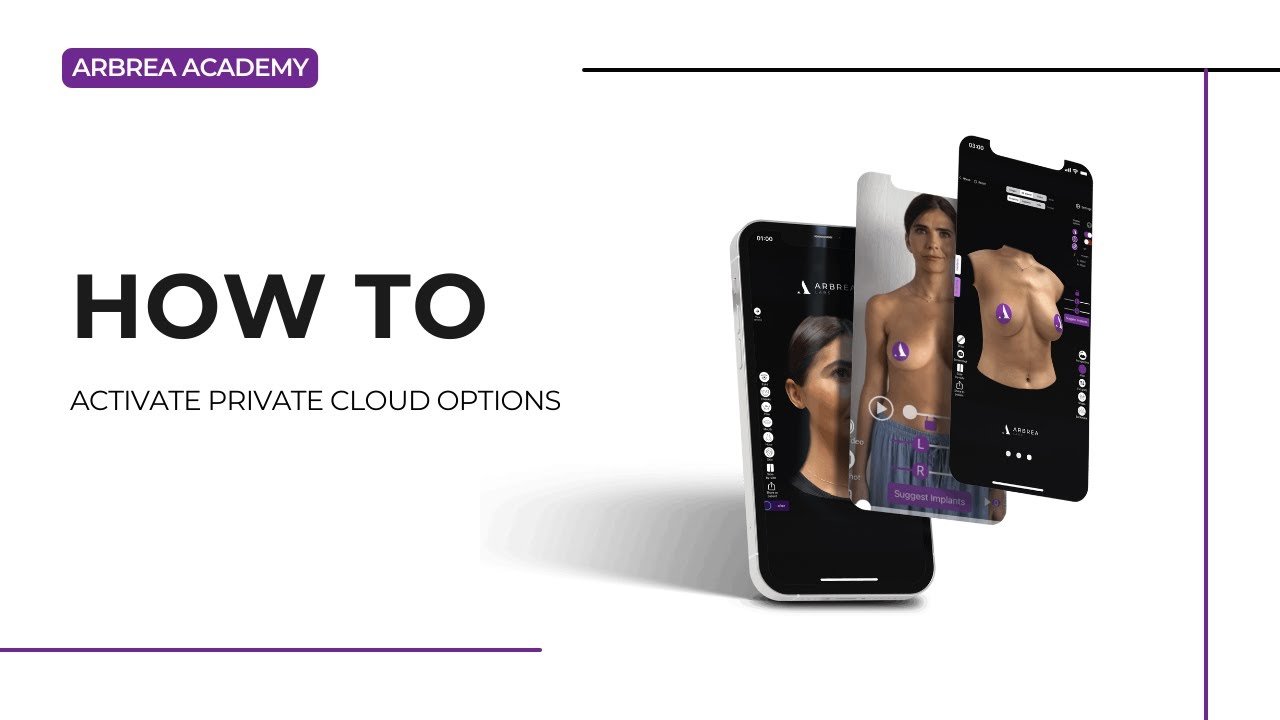
لمزيد من التوجيه، شاهد فيديو تعليمي كامل below.





 English
  Portuguese
  Italian
  Spanish
  German
  Arabic
  French
  Korean
  Albanian
  Thai
Thai  Hindi
Hindi