
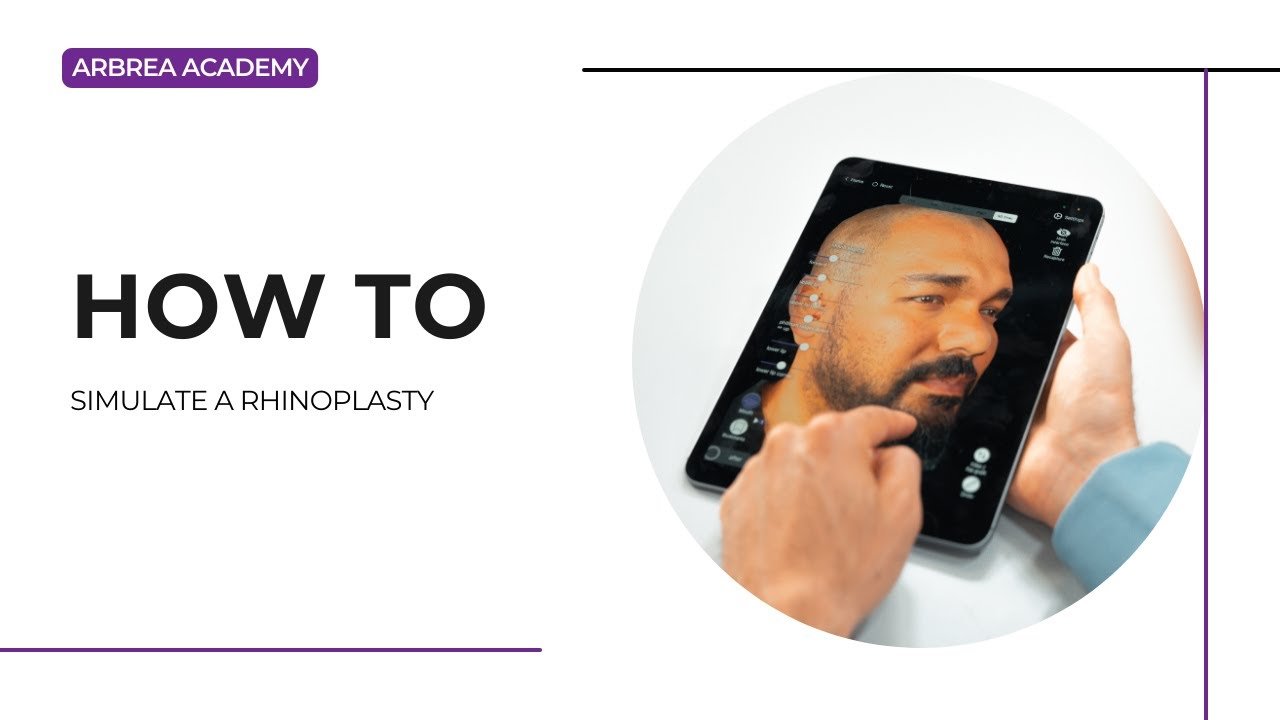
Arbrea Face offers an intuitive and comprehensive guide on how to simulate a rhinoplasty, これにより、整形外科医が analyze, modify, and visualize nasal enhancements with precision. This guide walks you through the step-by-step process of using measurement tools, freehand adjustments, and before-and-after comparisons to enhance pre-operative consultations and improve patient communication..
Capturing the Patient’s Facial Scan #
- Use an iPhone or iPad with a high-quality camera.
- Ensure good natural lighting for optimal scan accuracy.
- No need for an internet connection or an external scanner—Arbrea’s AI ensures accurate 3D modeling.
Using the Measurement and Distance Tools #
- In the top menu, select the 測定ツール.
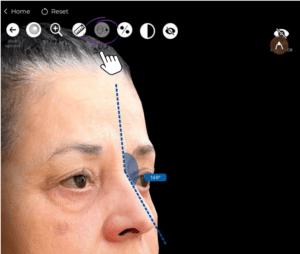
2. Analyze the angles and proportions of the nose.
3. Once you’ve assessed the nose, determine the best approach for the simulation.
Defining the Nose with Built-in Tools #
- In the left-side menu, select the Nose Tool.
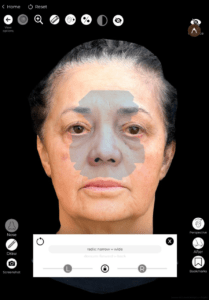
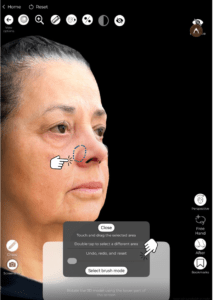
2. Choose from predefined nose modification options to adjust nasal structure quickly.
3. If the default tools don’t provide the desired result, use freehand modifications for greater precision.
Customizing the Nose with Freehand Modifications #
For more precise adjustments, を使用してください フリーハンドツール, which offers two methods:
1. Using the Brush Tool for Smooth Modifications #
- [Select] を選択します。 フリーハンドツール and choose Brush Mode.
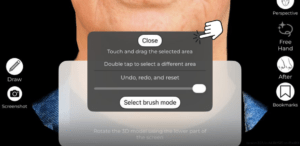
2. Adjust the ブラシサイズ:
-
- A larger brush smoothens broad areas.
- A smaller brush 提供する detailed modifications (e.g., nostrils, tip).
3. Use your finger to sculpt the nose:
-
- Raise or lower the nasal tip.
- Refine the nasal dorsum (bridge).
- Narrow or adjust the nostrils.
2. Using the Select Area Mode for Targeted Adjustments #
- Select Area Mode in the Freehand Tool.
- Draw directly on the area you want to modify.
- Adjust asymmetrically if needed, repeating the process on both sides.
- Combine this with the brush tool for finer sculpting.
If you’re not satisfied with any changes, simply use the undo button to refine the results.
Comparing the Before and After Simulation #
をクリックしてください。 「Before & After」ボタン to toggle between the original and modified nose.
レビューを improvements in contour, projection, and symmetry 患者と共に。.
Provide realistic expectations by showing 対照的な比較.
結論 #
その how to simulate a rhinoplasty in Arbrea Face 簡素化 nasal analysis and modification ~と一緒に precise measurement tools, customizable adjustments, and interactive before-and-after comparisons. 活用することによって freehand tools, proportion analysis, and simulation refinements, surgeons can enhance consultations and achieve accurate 術前計画.
詳しいガイドについては、こちらをご覧ください。 完全な動画チュートリアル 以下.





 English
  Portuguese
  Italian
  Spanish
  German
  Arabic
  French
  Korean
  Albanian
  Thai
Thai  Hindi
Hindi  Vietnamese
  Japanese