
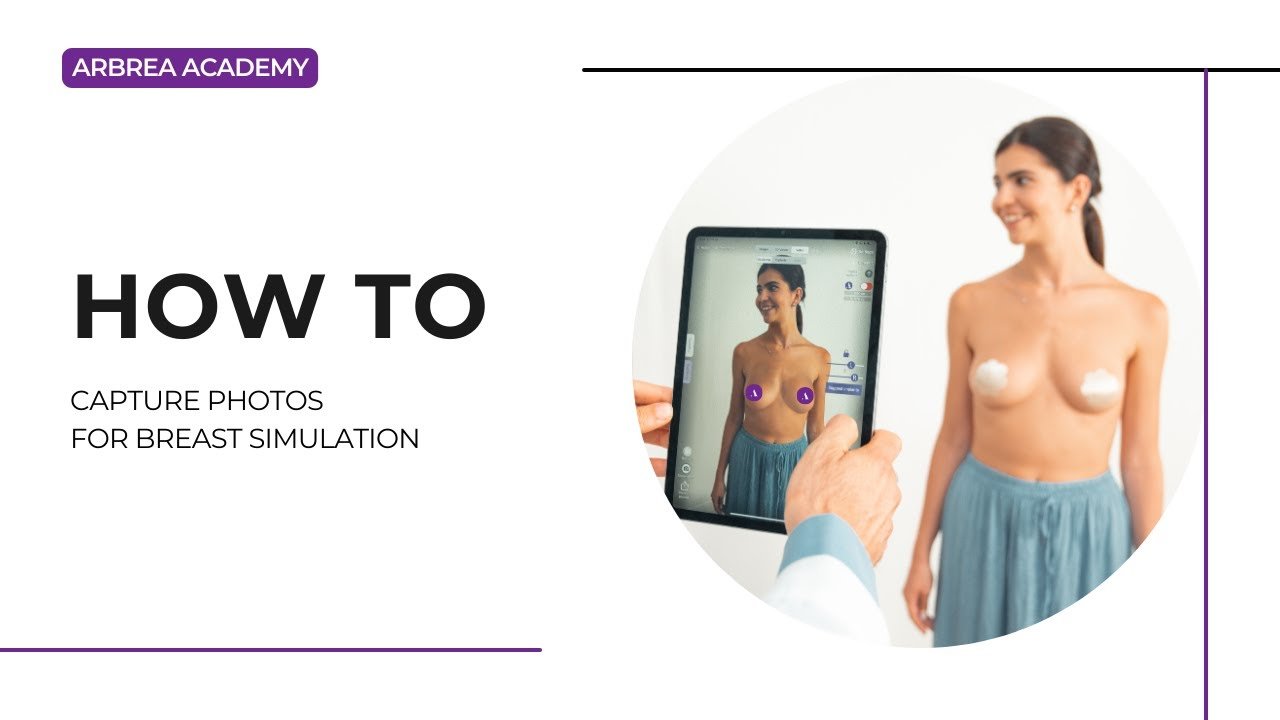
アーブレア スイート features an advanced Capture Tool, これにより、整形外科医が create high-quality 3D model for breast simulations with precision. This tool ensures optimal patient imaging for pre-operative planning, consultations, and accurate simulations.
Accessing the Capture Feature #
- 開く アーブレア スイート そして、以下の場所に移動します。 Capture Tool.
- Ensure the camera is properly positioned to capture clear patient images.
なぜ重要なのか?
- 提供する a structured approach for capturing high-quality images.
- 保証する accurate simulation results コンサルテーションの間に。.
Taking the Perfect Patient Image #
- Ensure proper lighting – Avoid shadows or overexposed areas.
- Position the patient at eye level for face scans or neutral posture for body imaging.
- Follow on-screen guides to take frontal, profile, and angled views.
メリット:
- 作成を支援します consistent, high-quality images for AI-powered simulations.
Reviewing and Adjusting the Image #
- After capturing, review the image for clarity and accuracy.
- If needed, retake the picture to eliminate any blurriness.
- Save the final image and proceed to simulation mode.
なぜこれが重要なのか?
- 保証する precise visualization 患者と外科医のために。.
- Eliminates inconsistencies in simulation results.
結論 #
その Capture Tool in アーブレア スイート 強化する image quality, simulation accuracy, and consultation efficiency. By following structured imaging techniques and proper positioning, 外科医は、 improve patient communication and pre-operative planning.
詳しいガイドについては、こちらをご覧ください。 完全な動画チュートリアル 以下.





 English
  Portuguese
  Italian
  Spanish
  German
  Arabic
  French
  Korean
  Albanian
  Thai
Thai  Hindi
Hindi  Vietnamese
  Japanese