
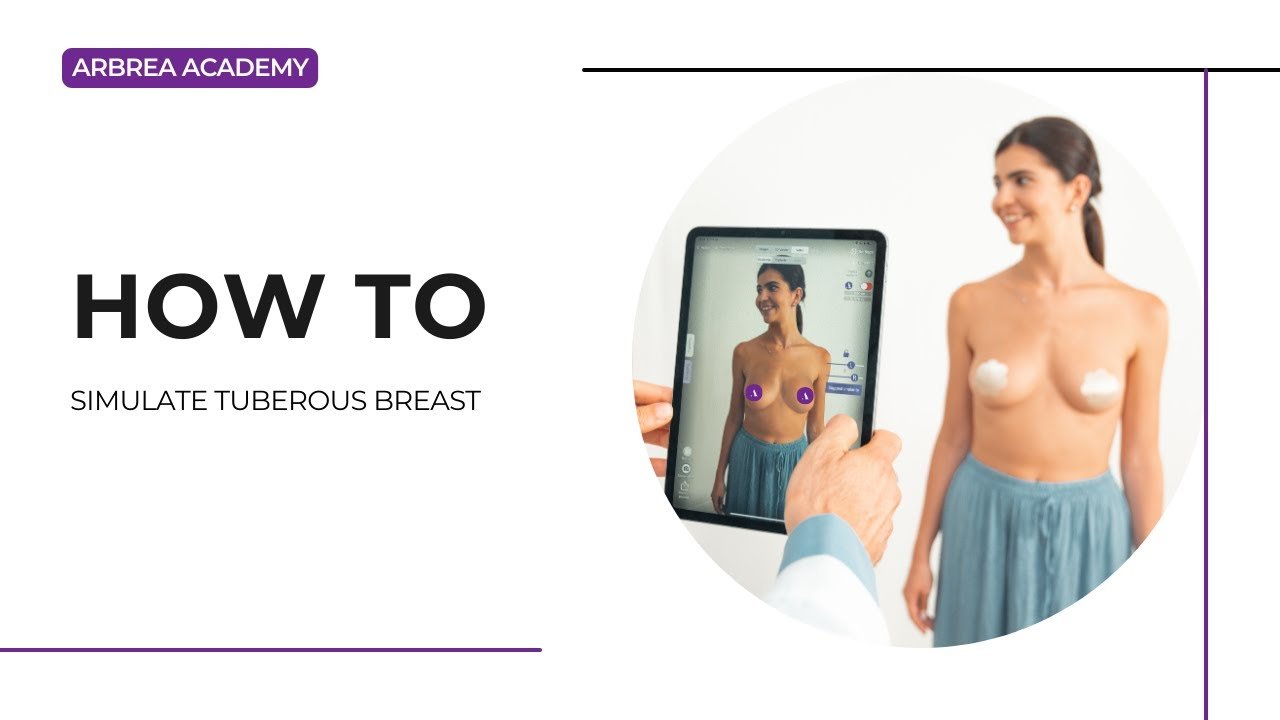
محاكاة لـ tuberous breast correction requires careful consideration of breast asymmetry, volume differences, and surgical planning. ثدي أربريا offers a complete workflow to support this, allowing surgeons to visualize correction steps such as volume reduction, implant placement, shape refinement, NAC repositioning, ، و scar simulation—all with real-time feedback.
باستخدام أداة القياس #
-
افتح أداة القياسات للتحليل
-
Base width
-
Breast projection
-
Asymmetries and volume discrepancies
-

2. Click again to access تحليلات الحجم, which are automatically calculated by the system.
لماذا يعتبر ذلك مهمًا:
Gives a clear overview of structural differences in tuberous breast cases and serves as the baseline for planning.
Reducing Volume in One Breast #
-
If one breast has significantly more volume, go to Reduction Mode.
-
Unlock the symmetry to reduce only one breast independently.
3. Use the sliders to fine-tune the reduction.
Helps simulate corrective surgery and volume balancing for asymmetrical cases.
اختيار غرسة من الكتالوج #
-
After going to the Augmentation Mode, open the كتالوج الغرسات to select an appropriate implant.
-
تصفية حسب brand, shape, projection, and diameter.
-
Apply the implant to one or both breasts depending on the correction needed.
Adds structure and support, which is key in tuberous breast reconstruction.
تحسين المحاكاة باستخدام أداة الأشكال #
-
استخدم أداة الأشكال to adjust the overall appearance, including:
-
Vertical lift
-
Base width expansion
-
Lower pole shaping
-
2. Modify projection and placement to simulate the final desired outcome.
يسمح للجراحين بـ visualize the aesthetic corrections in detail.
Using the NAC (Nipple Areola Complex) Tool #
-
افتح أداة التحكم في الوصول إلى الشبكة to reposition or resize the nipple-areola complex.
-
Define both the source (current position) و target (new, surgically planned position).
-
Adjust size for a symmetrical and proportional look.
Essential in tuberous breast correction, where areola positioning often needs adjustment.
Using the Scars Tool #
-
تفعيل أداة الندوب to show expected scar patterns.
2. Choose from periareolar, vertical (lollipop), or inverted T (anchor) scar types.
يساعد المرضى understand the extent and location of post-surgical scars.
Saving and Comparing with the Bookmark Tool #
-
استخدم Bookmark Tool to save different versions of the simulation.
-
You can create bookmarks to compare:
-
Different implant sizes
-
Before vs. after reduction
-
Shape refinements
-
Makes it easier to present multiple options and guide patient decisions.
الخلاصة #
محاكاة لـ tuberous breast correction مع ثدي أربريا is precise and comprehensive. From analyzing asymmetries و adjusting volumes, to choosing implants, refining the shape, ، و visualizing scars, the platform equips surgeons with the tools needed for accurate planning and effective patient consultations.
لمزيد من التوجيه، شاهد فيديو تعليمي كامل أدناه.





 English
  Portuguese
  Italian
  Spanish
  German
  Arabic
  French
  Korean
  Albanian
  Thai
Thai  Hindi
Hindi