
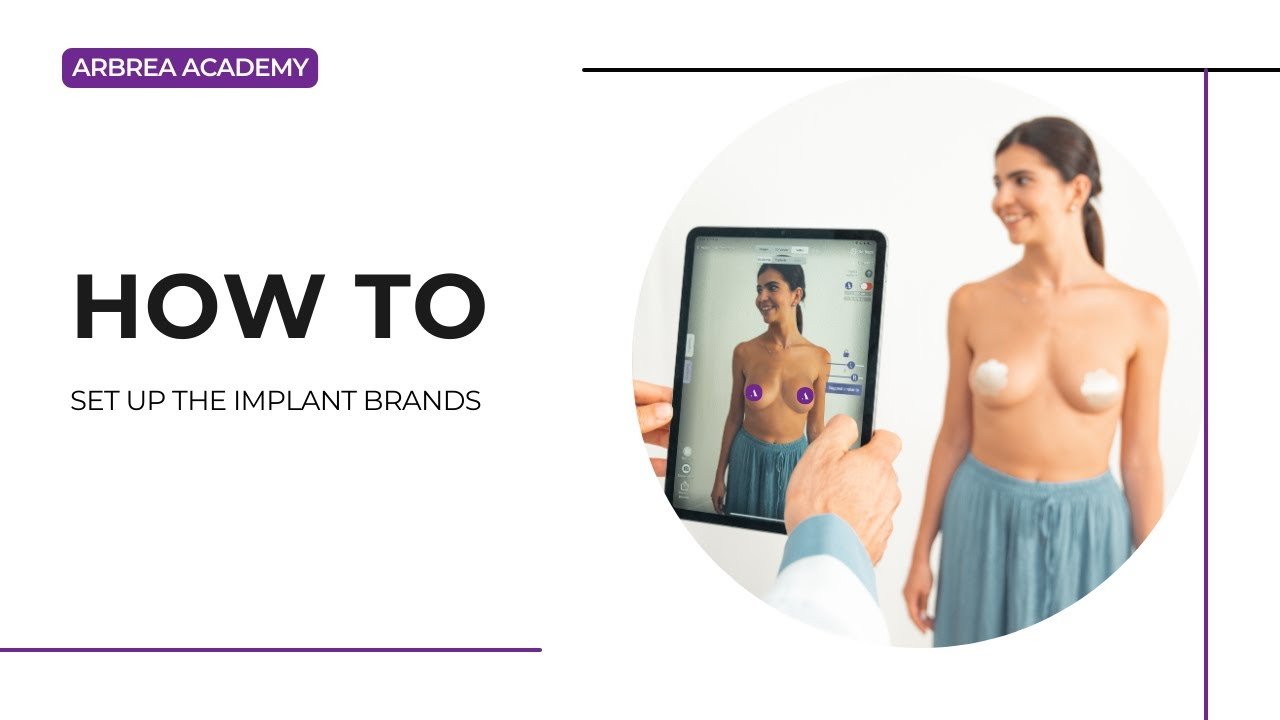
ثدي أربريا provides an extensive كتالوج الغرسات featuring a wide range of brands, allowing plastic surgeons to tailor implant selection to each patient’s needs. By setting up implant brands for augmentation and reduction modes, surgeons can streamline their workflow and enhance استشارات ما قبل الجراحة.
Adding Implant Brands in Augmentation Mode #
- افتح ثدي أربريا and navigate to Augmentation Mode.
- انقر على كتالوج الغرسات to access the list of available brands.

3. Access الإعدادات and go to Implant Catalog settings.
4. Then select the brands you want to have in your Implant Catalog.
Adding Implant Brands in Reduction Mode #
- اختر Reduction Mode within Arbrea Breast.
- Then go immediately to Augmentation Mode and open the كتالوج الغرسات to see what brands are available to you for breast reduction cases.
- Access الإعدادات and go to Implant Catalog settings.
- Then select the brands you want to have in your Implant Catalog.
لماذا يهم هذا الأمر؟
- يضمن consistency in implant selection for different procedures.
- يساعد الجراحين visualize and compare different options based on patient needs.
الخلاصة #
ال implant brand setup feature في ثدي أربريا يبسط augmentation and reduction planning من خلال توفير customizable implant catalog. من خلال الاستفادة brand selection, surgeons can enhance consultations and achieve precise pre-operative planning.
لمزيد من التوجيه، شاهد فيديو تعليمي كامل أدناه.





 English
  Portuguese
  Italian
  Spanish
  German
  Arabic
  French
  Korean
  Albanian
  Thai
Thai  Hindi
Hindi