
Arbrea Suite provides advanced tools to help plastic surgeons capture high-quality images for complex cases, यह सुनिश्चित करते हुए accurate simulations and improved patient consultations. By following best practices for lighting, image quality, and simulation settings, surgeons can achieve सटीक पूर्व-सर्जिकल योजना.
Capturing Quality Pictures with the Right Light #
- उपयोग natural or well-balanced lighting to avoid shadows and glare.
- सुनिश्चित करें कि patient’s face or body is evenly illuminated for accurate simulation results.
- Avoid harsh direct lights या overexposed backgrounds that may distort image details.
यह क्यों महत्वपूर्ण है?
- High-quality lighting ensures precise measurements and realistic simulations.
- कम करता है errors caused by poor visibility or shadows.
Ensuring the Best Quality for Simulations #
- Stabilize the camera – Use a tripod or steady hand to avoid blurriness.
- Capture images at आंखों के स्तर पर for facial cases and neutral positioning for body simulations.
- उपयोग करें highest resolution available to maintain detail and clarity.
लाभ:
- सुनिश्चित करता है more detailed and accurate AI-powered adjustments.
- उपलब्ध कराता है better visualization for patient discussions.
Creating a New Patient File #
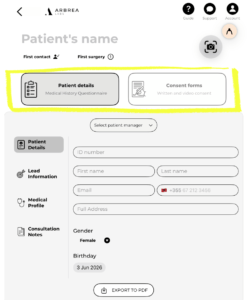
- खोलें Arbrea Suite and go to the tabs New Patient & Patient List.
- Click “Create New Patient” and input necessary details.
- Save the file to store patient history and simulations for future reference.
लाभ:
- Keeps patient cases well-organized for easy follow-ups.
- सर्जन को अनुमति देता है track simulation progress and adjustments.
Customizing the Procedure’s Settings #
- चुनें type of procedure being simulated (e.g., facelift, breast augmentation, rhinoplasty).
- समायोजित करें measurement tools, filters, and enhancement settings to match the complexity of the case.
- Fine-tune parameters for सटीक संशोधन.
यह क्यों महत्वपूर्ण है?
- Custom settings optimize the simulation experience.
- Helps achieve realistic pre-surgical previews.
Capturing the Patient’s Pictures for Simulation #
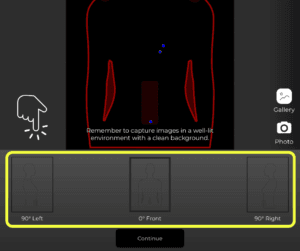
- Take frontal and profile shots for facial procedures.
- Capture front and angled views for body simulations.
- सुनिश्चित करें a neutral posture and expression to maintain accuracy.
लाभ:
- Provides the best foundation for AI-based simulations.
- बढ़ाता है real-time visualizations for patient consultations.
निष्कर्ष #
Capturing high-quality images for complex cases में Arbrea Suite ensures more accurate simulations, enhanced patient communication, and improved surgical planning. का उपयोग करके proper lighting, high-resolution imaging, and customized simulation settings, surgeons can achieve precise pre-operative assessments.
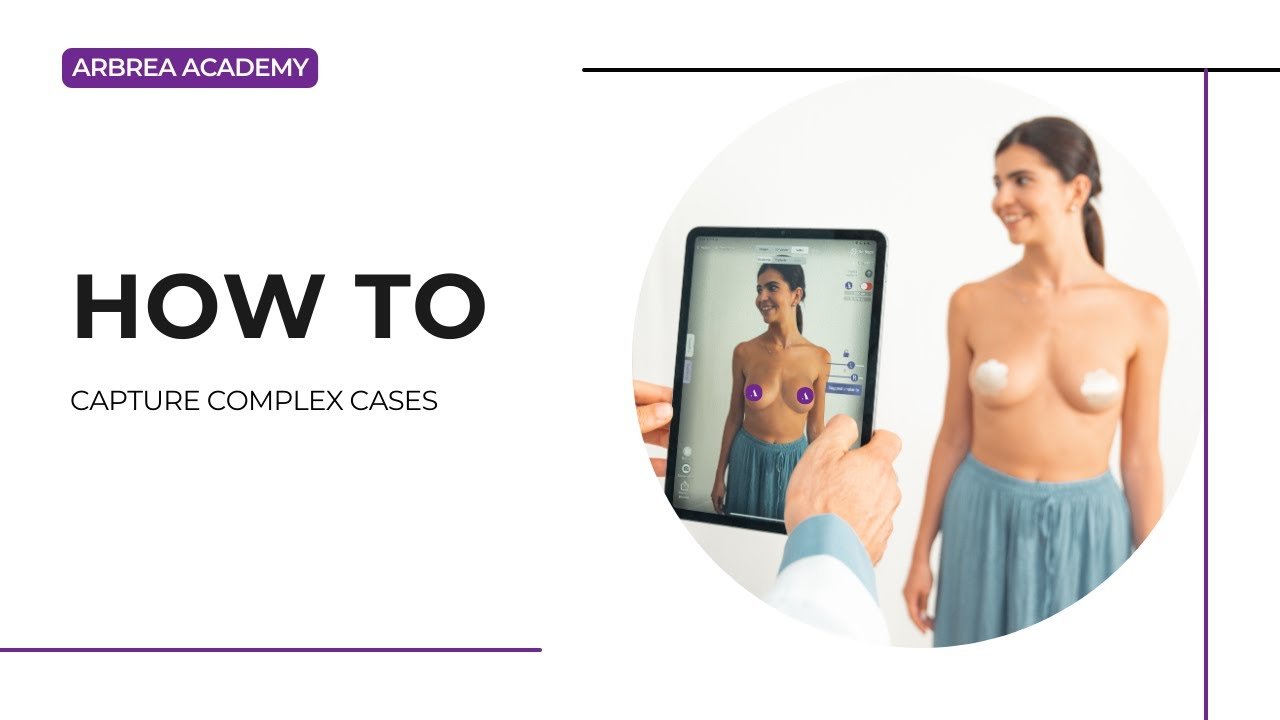
अधिक मार्गदर्शन के लिए, देखें पूर्ण वीडियो ट्यूटोरियल नीचे.





 English
  Portuguese
  Italian
  Spanish
  German
  Arabic
  French
  Korean
  Albanian
  Thai
Thai  Hindi
Hindi  Vietnamese
  Japanese